Action Links
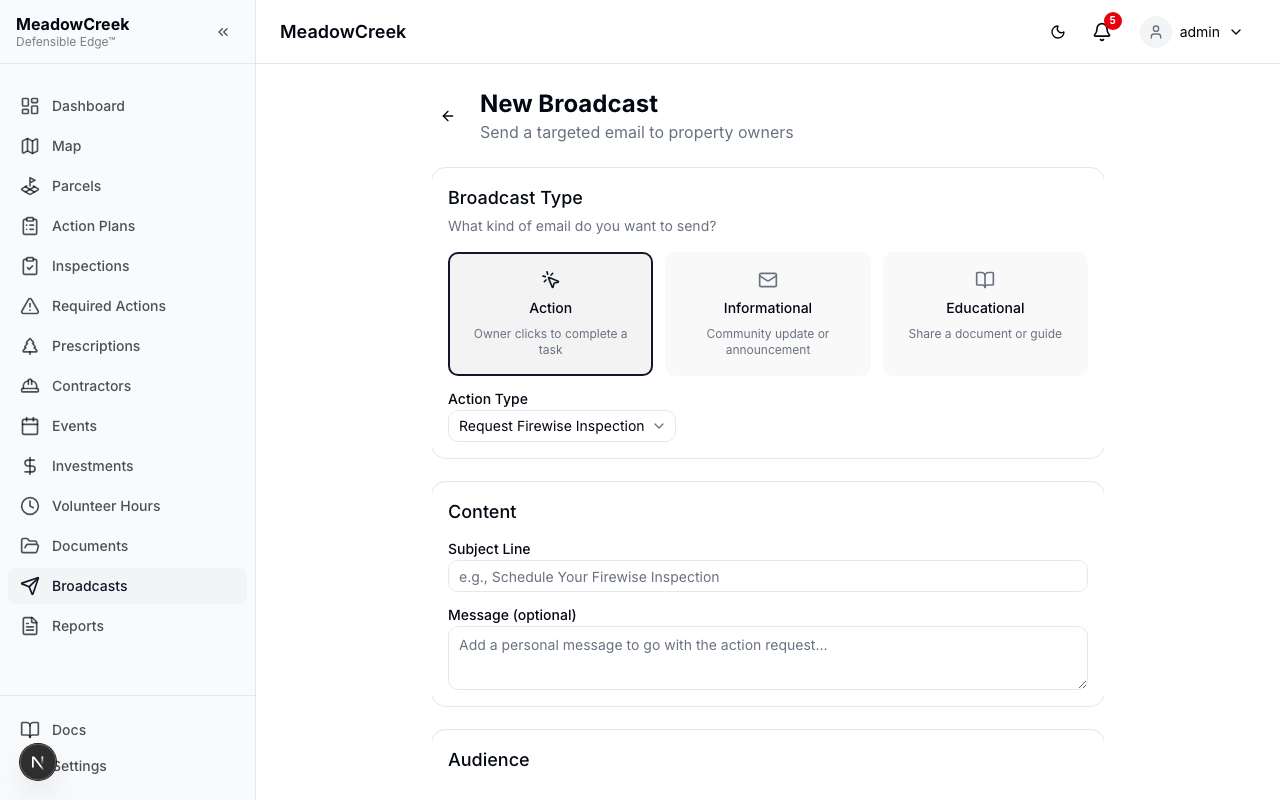
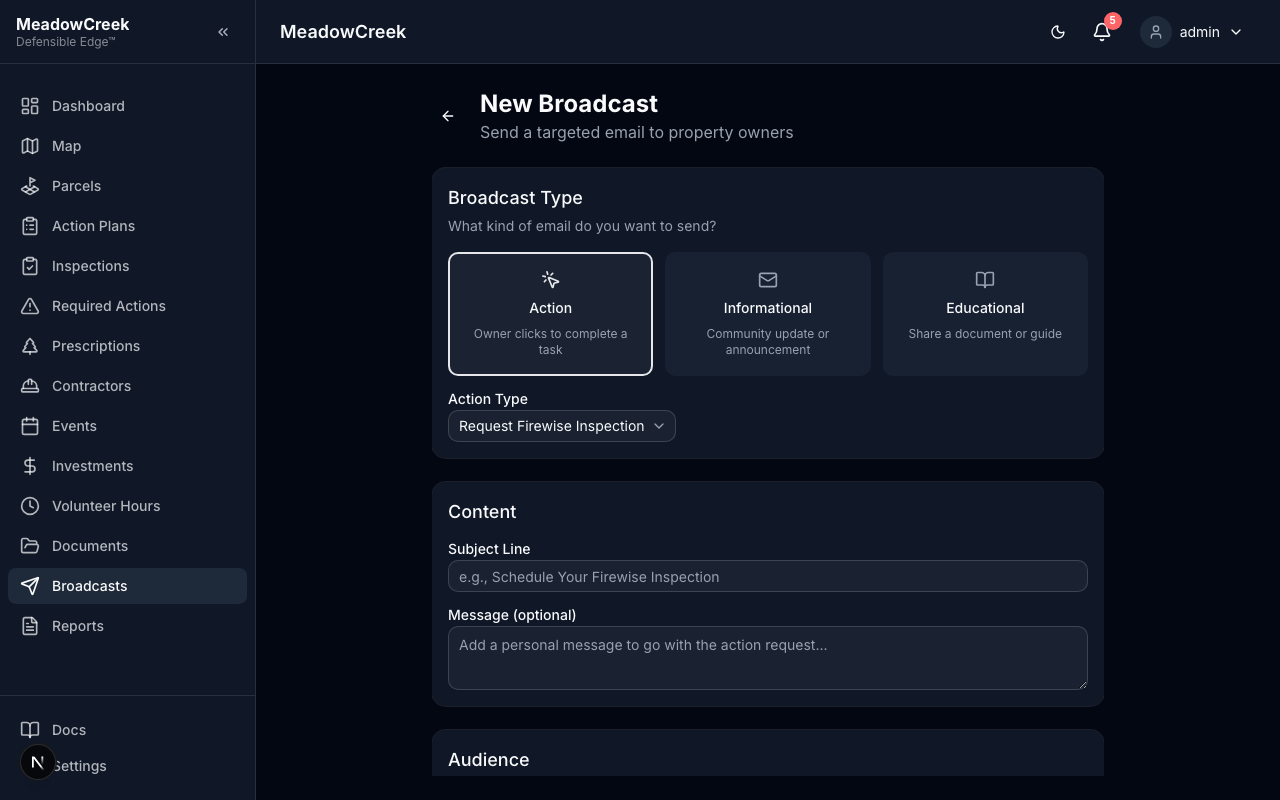
Action broadcasts include a magic link in each email that lets property owners complete a task without logging in.
How Magic Links Work
Each recipient gets a unique, signed URL. When an owner clicks the link:
- The platform verifies the link is valid, not expired, and hasn’t been used
- The owner sees a simple page with their name, property address, and a form
- They complete the action (one click for simple actions, a short form for tree removal)
- A confirmation page shows the result and invites them to create an account
Link Properties
- Unique per owner — Each recipient gets their own link; links cannot be shared or reused
- 72-hour expiry — Links expire 3 days after the broadcast is sent
- Single-use — Once an action is completed, the link shows “Link Expired” if clicked again
Action Types
Request Firewise Inspection
The owner confirms they’d like an inspection scheduled for their property. They can optionally add notes (e.g., scheduling preferences). This creates an inspection record with status “requested” for the admin to follow up on.
Enroll in Community Project
The owner adds their parcel to a community project (e.g., a fuel reduction or tree thinning project). Their parcels are automatically linked to the project. Useful for projects that need owner opt-in.
Report Tree Issue
The owner reports a diseased, hazardous, or dead tree on their property. The form asks for:
- Reason (diseased, hazardous, dead, other)
- Tree species (if known)
- Location on property
- Additional details
This creates an inspection record with a linked finding for the admin to review.
Account On-Ramp
After completing any action, owners see an invitation to create a platform account:
“Want to track your property details online? Set Up Your Account”
This is a gentle nudge — not required. Owners who create an account can access their owner dashboard, view inspection history, and track projects.
Expired or Invalid Links
If an owner clicks a link that has expired or was already used, they see a clear message:
“This link has expired or has already been used. Please contact your community administrator to request a new one.”