My Work
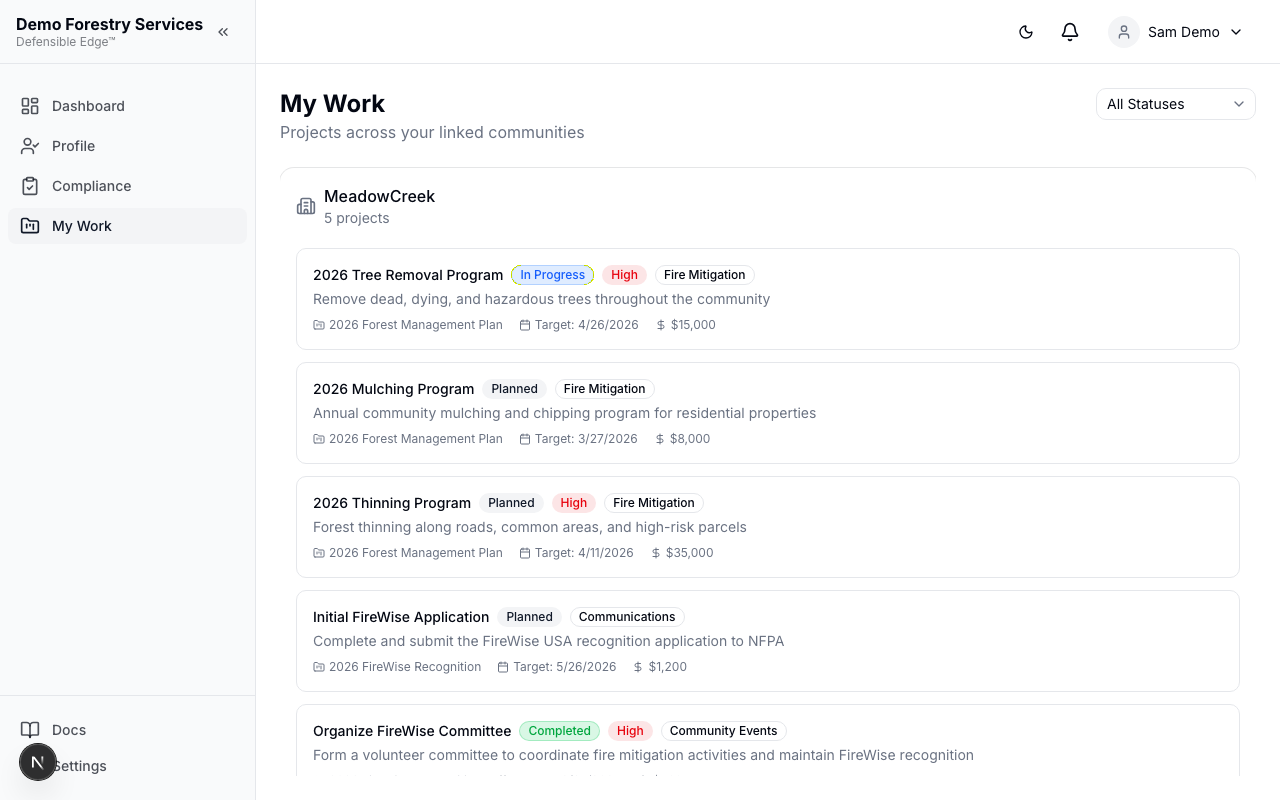
The My Work page shows projects from all communities you are linked to. This gives you visibility into planned and active mitigation work.
What You See
Each project displays:
- Title and description
- Status — Planned, In Progress, Completed, or Cancelled
- Category — Fire Mitigation, Community Events, Communications, or Other
- Priority — High, Medium, or Low
- Action Plan — The parent plan the project belongs to
- Target Date — When the project is scheduled
- Estimated Budget — Planned budget for the project
Filtering
Use the Status dropdown in the top-right to filter projects by status. This helps you focus on active or upcoming work.
Grouped by Community
If you are linked to multiple communities, projects are grouped by community name. Each community card shows the total project count.
Last updated on