Tracking Results
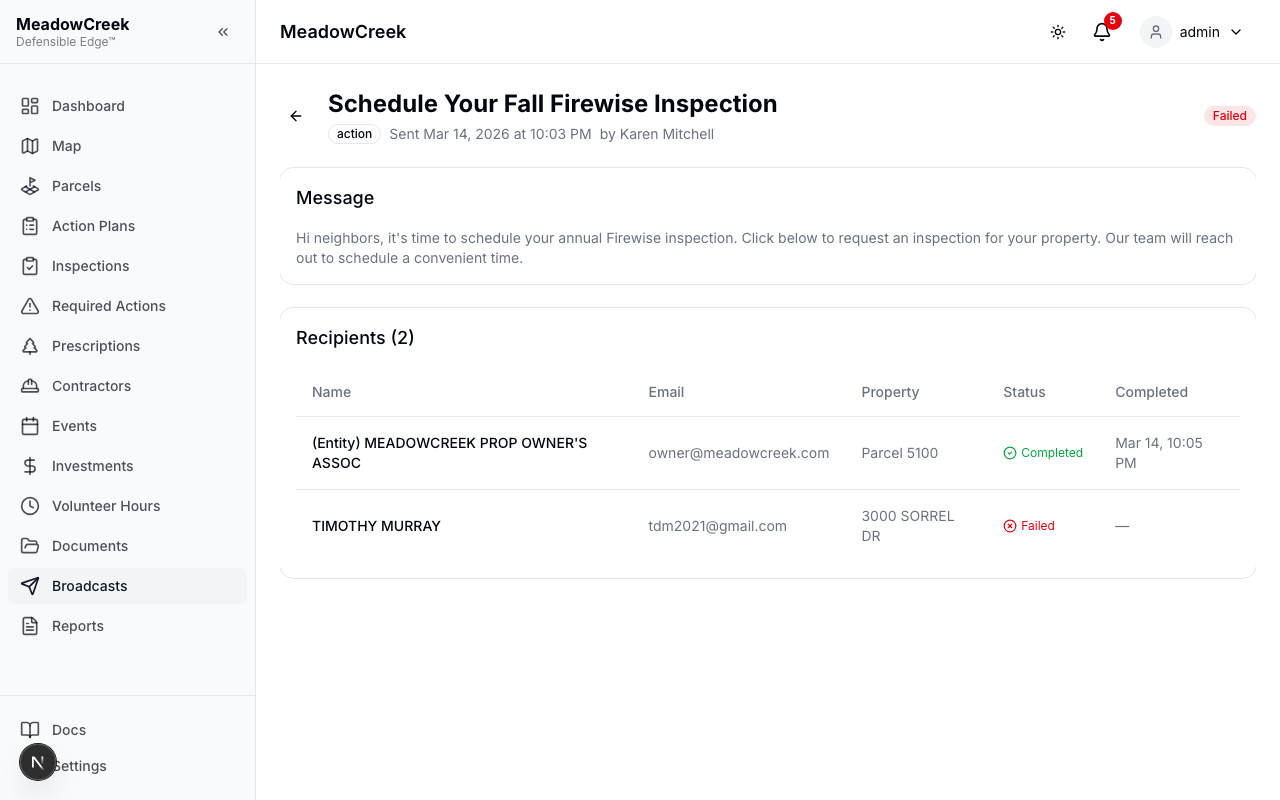
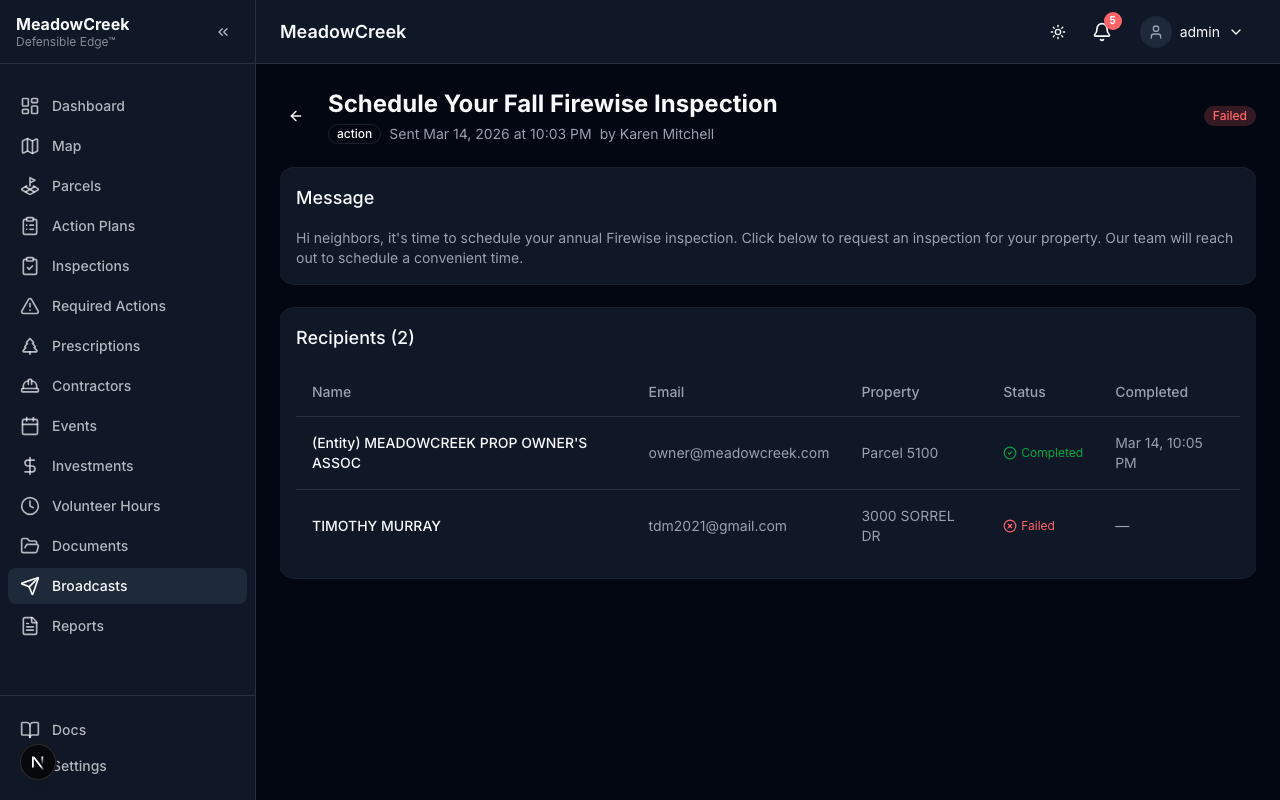
After sending a broadcast, you can track delivery and completion from the broadcast detail page.
Broadcast History
Navigate to Broadcasts in the sidebar to see all past broadcasts. Each entry shows:
- Subject line
- Broadcast type (Action, Informational, Educational)
- When it was sent and by whom
- Recipient count and completion count (for action broadcasts)
- Status badge (Draft, Sending, Sent, Failed)
Broadcast Detail
Click any broadcast to see the full detail view with:
Stats (Action Broadcasts)
| Stat | Description |
|---|---|
| Recipients | Total number of owners targeted |
| Delivered | Number of emails successfully sent |
| Completed | Number of owners who completed the action |
| Completion Rate | Percentage of delivered emails that resulted in a completed action |
Recipients Table
A table showing each recipient with:
- Name — Owner’s name
- Email — Email address
- Property — Primary parcel address
- Status — Pending, Sent, Completed, or Failed
- Completed — Timestamp when the owner completed the action (if applicable)
Status Meanings
| Status | Description |
|---|---|
| Pending | Recipient added but email not yet sent |
| Sent | Email delivered successfully, awaiting owner action |
| Completed | Owner clicked the magic link and completed the action |
| Failed | Email delivery failed (invalid address, bounced, etc.) |
Audit Trail
All broadcast actions are logged in the community audit log:
- Broadcast creation
- Broadcast send (with recipient count)
Navigate to Settings > Audit Log to review broadcast-related activity.
Last updated on