Inspections
An Inspection captures a Firewise assessment for one or more parcels in your community. Each inspection groups findings (defensible-space issues, hazardous fuels, structural concerns) that feed into your Firewise reaccreditation packet.
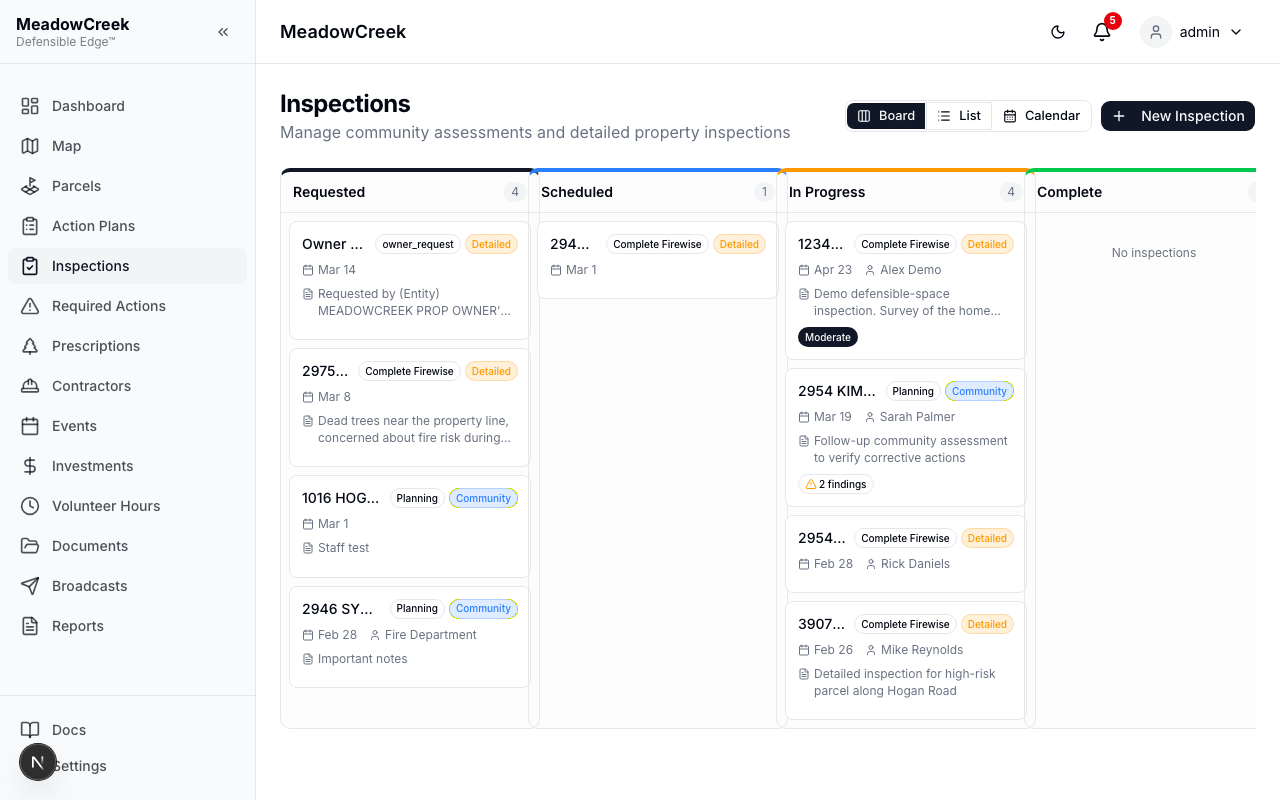
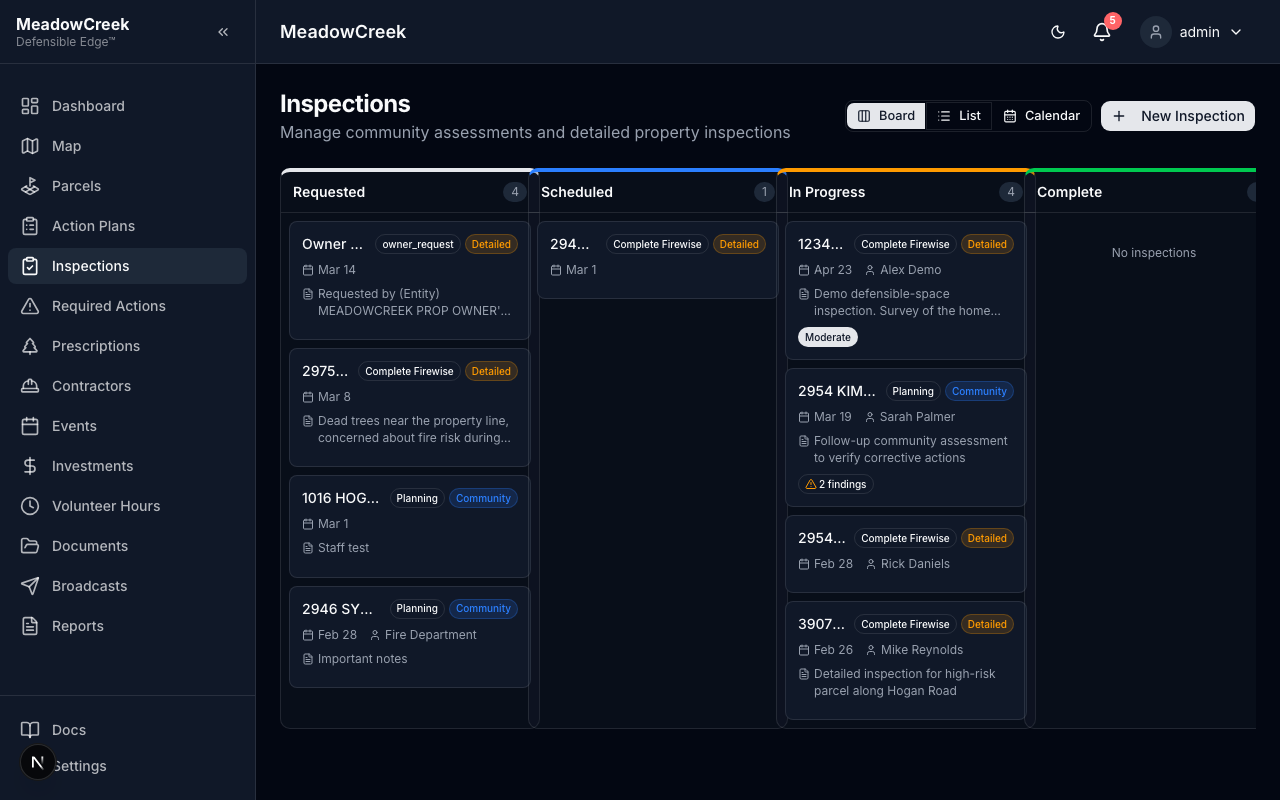
Schedule and track inspections with a visual kanban workflow, list view, or calendar.
Navigate to Inspections in the sidebar to access this page.
Inspection list
Starting a new inspection
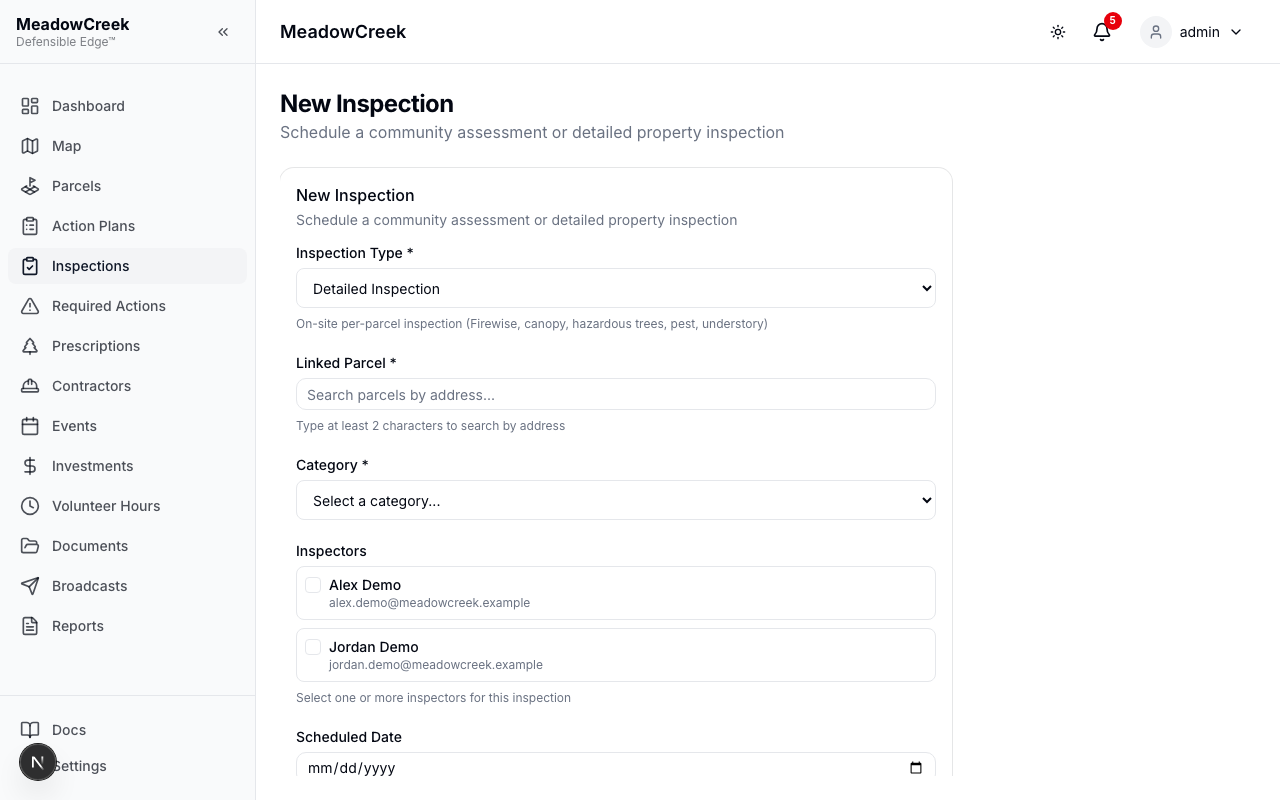
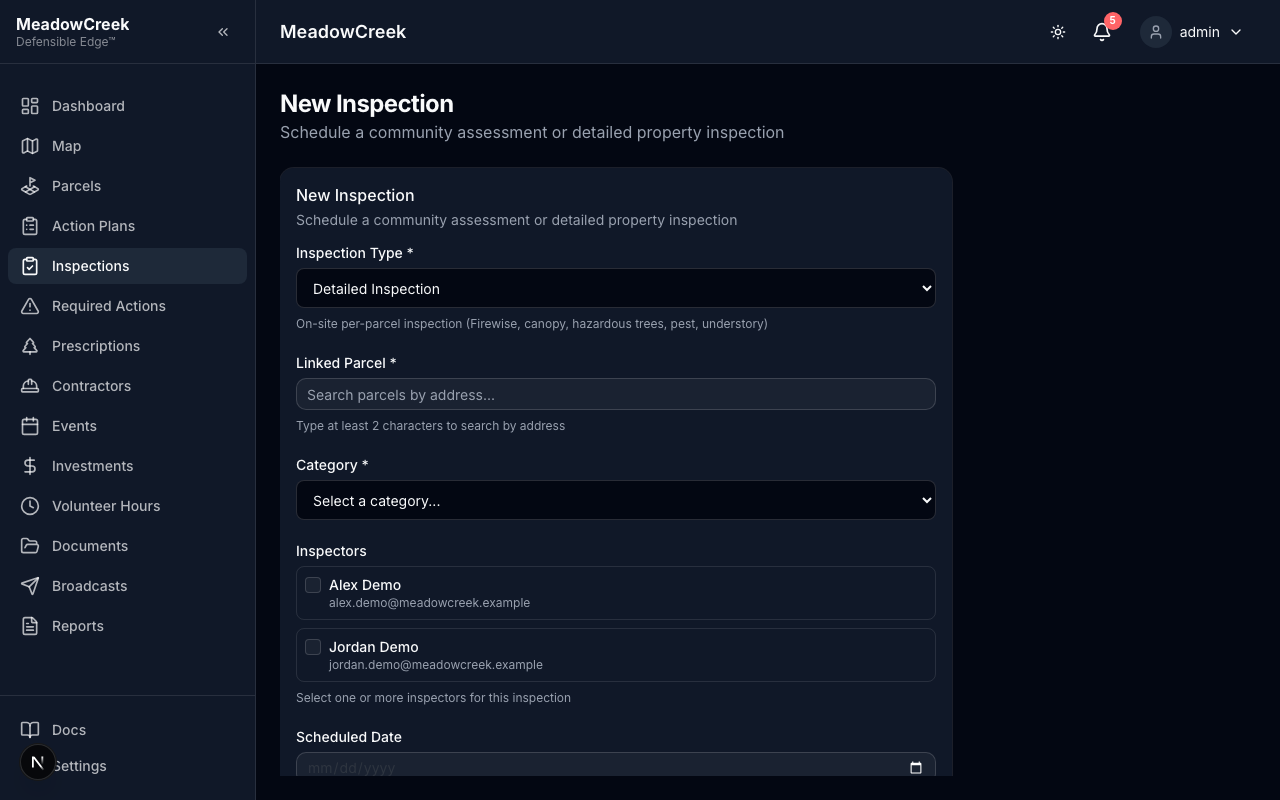
Click New Inspection to begin. You’ll pick the inspection type (community-wide, single-parcel, or follow-up), the inspector, and the date range.
Working an inspection
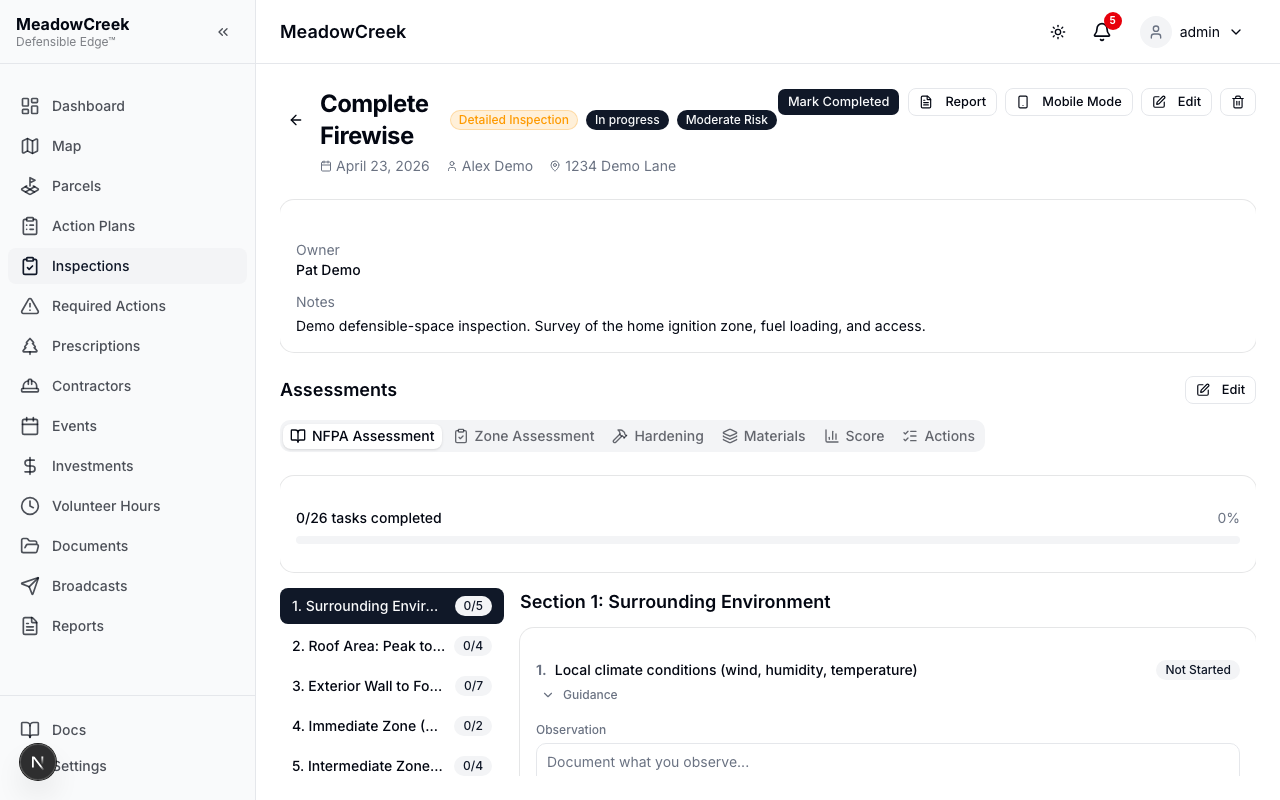
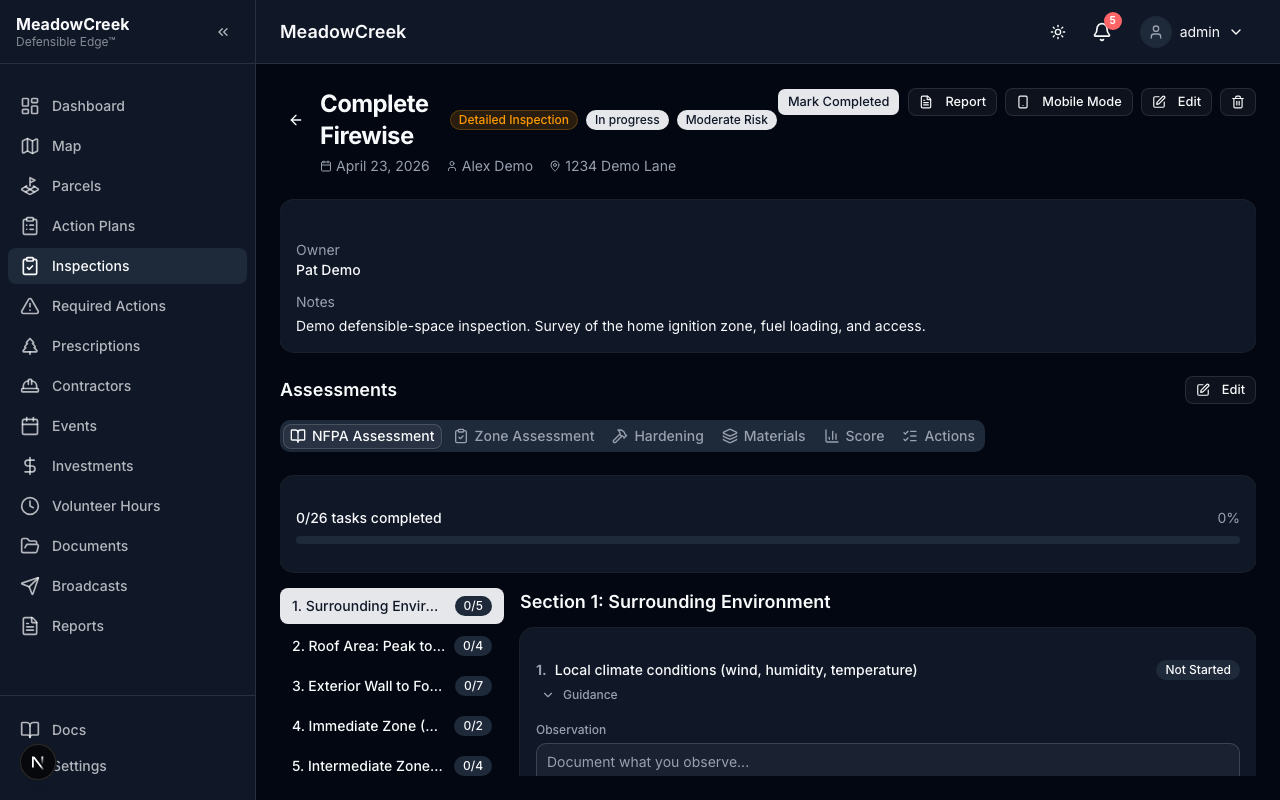
The detail page is your workspace during and after the field visit. The Findings section is where you log each defensible-space issue with severity, photos, and the affected parcel.
What feeds where
- Findings become Required Actions assigned to the parcel’s owner (or whoever you target).
- Required Actions roll into Action Plans — the multi-year community workplan you submit to Firewise USA®.
- Inspection PDFs are attachments on the parcel and on each owner’s record (when ownership tracking is enabled).
The sub-pages in this section cover inspection types, kanban/list/calendar views, inspector assignment, overdue findings, and owner-initiated requests in detail.