Owner Dashboard
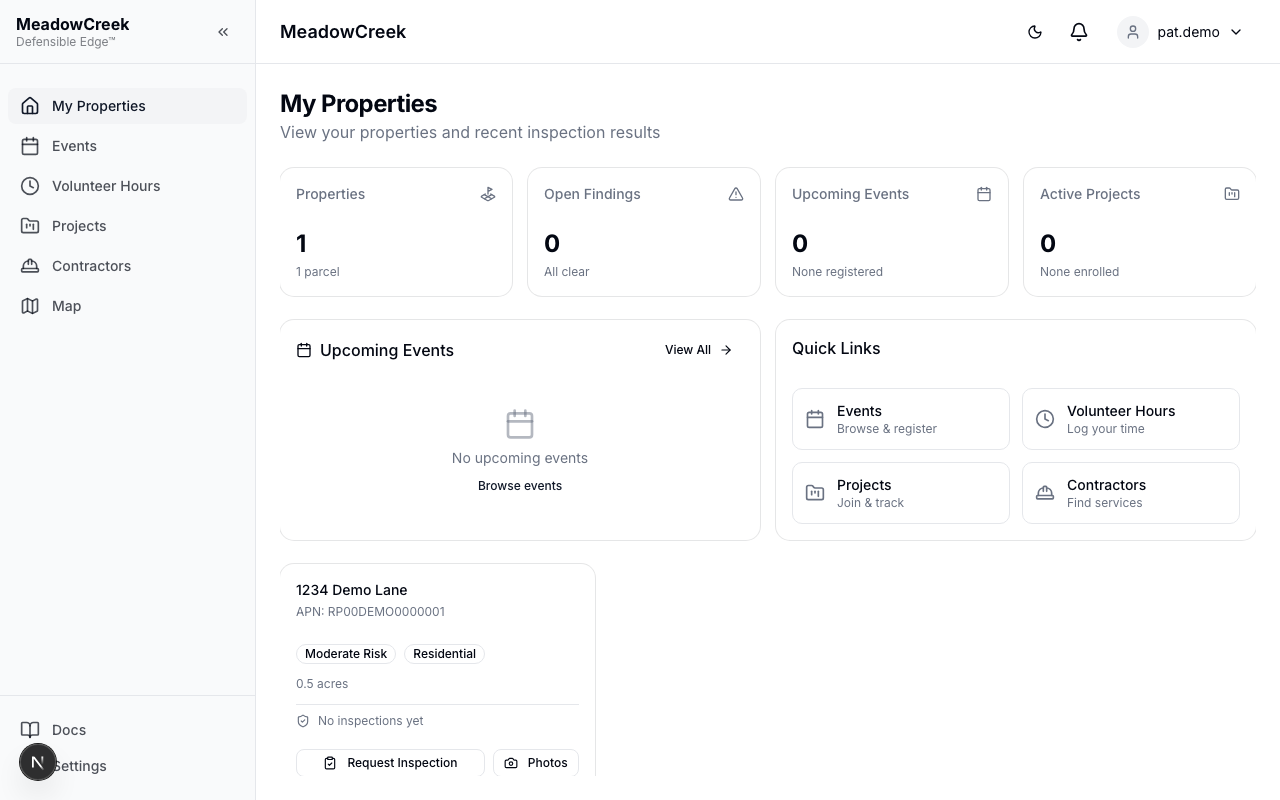
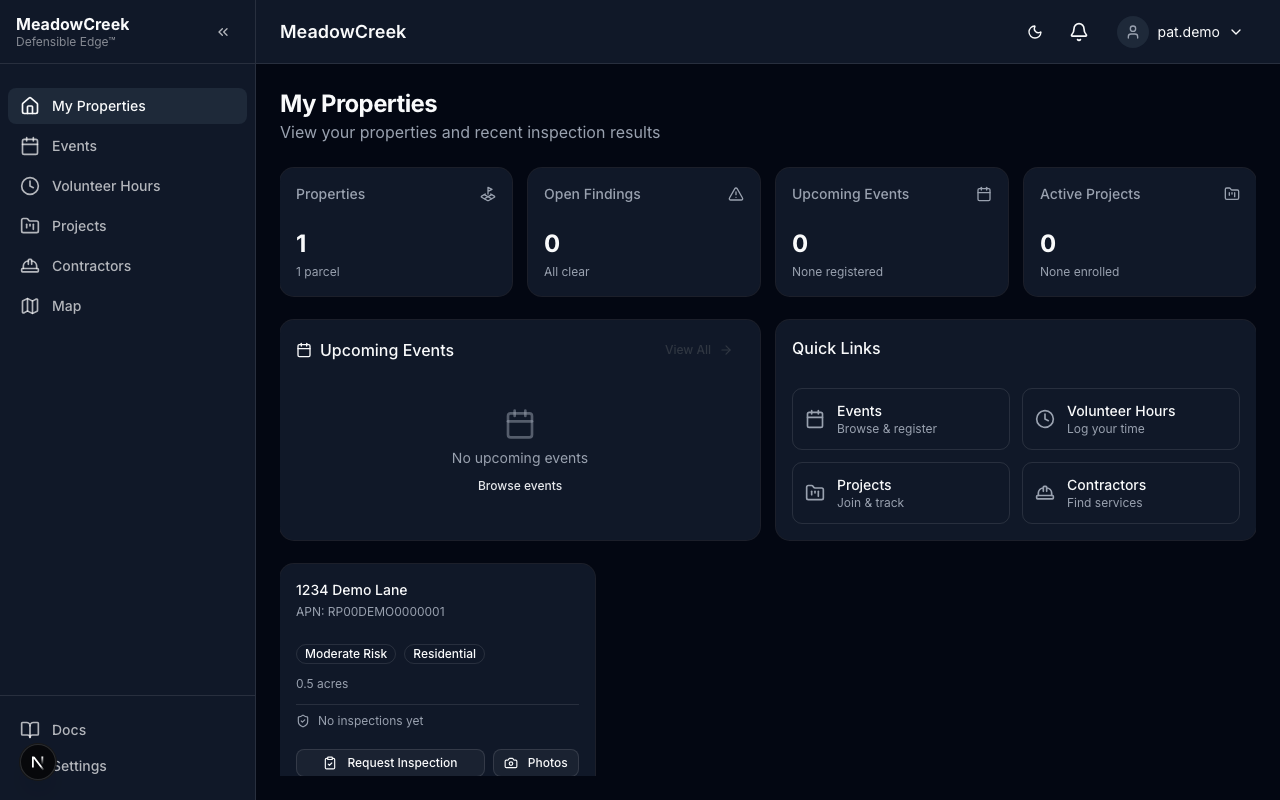
Navigate to My Properties in the sidebar to access your owner portal dashboard.
Overview Stats
Four cards at the top summarize your properties:
- Properties — Number of parcels linked to your account
- Open Findings — Unresolved inspection findings on your properties
- Upcoming Events — Community events scheduled this month
- Active Projects — Fire mitigation projects available for enrollment
Quick Links
Below the stats, quick links provide one-click access to:
- Events — Browse and register for community events
- Volunteer Hours — Log and submit volunteer activities
- Projects — Browse mitigation projects and enroll your parcels
- Contractors — View qualified contractors for mitigation work
Property Map
An interactive map shows all your properties with color-coded markers. Use the status filter to view findings by status: All, Open, In Progress, Resolved, or Deferred.
Property Cards
Each property is displayed as a card showing:
- Address and APN (Assessor’s Parcel Number)
- Risk Level badge (Low, Moderate, High, Extreme)
- Compliance Status
- Parcel Type (Residential, Commercial, Vacant Land, Condo)
- Last Inspection date and summary
- Acreage
Requesting an Inspection
Click Request Inspection on any property card to submit an inspection request to your community administrators. You can optionally:
- Select the assessment type you’d like
- Add notes describing your concerns or specific areas to inspect
Your request will appear in the admin’s inspection queue as a “Requested” inspection. The button is disabled if an inspection is already requested or scheduled for that property.
Property Photos
Click the Photos button on a property card to view and manage photos:
- View existing photos uploaded for the property
- Upload new photos (click the upload area or drag and drop)
- Delete photos you’ve uploaded