Creating a Prescription
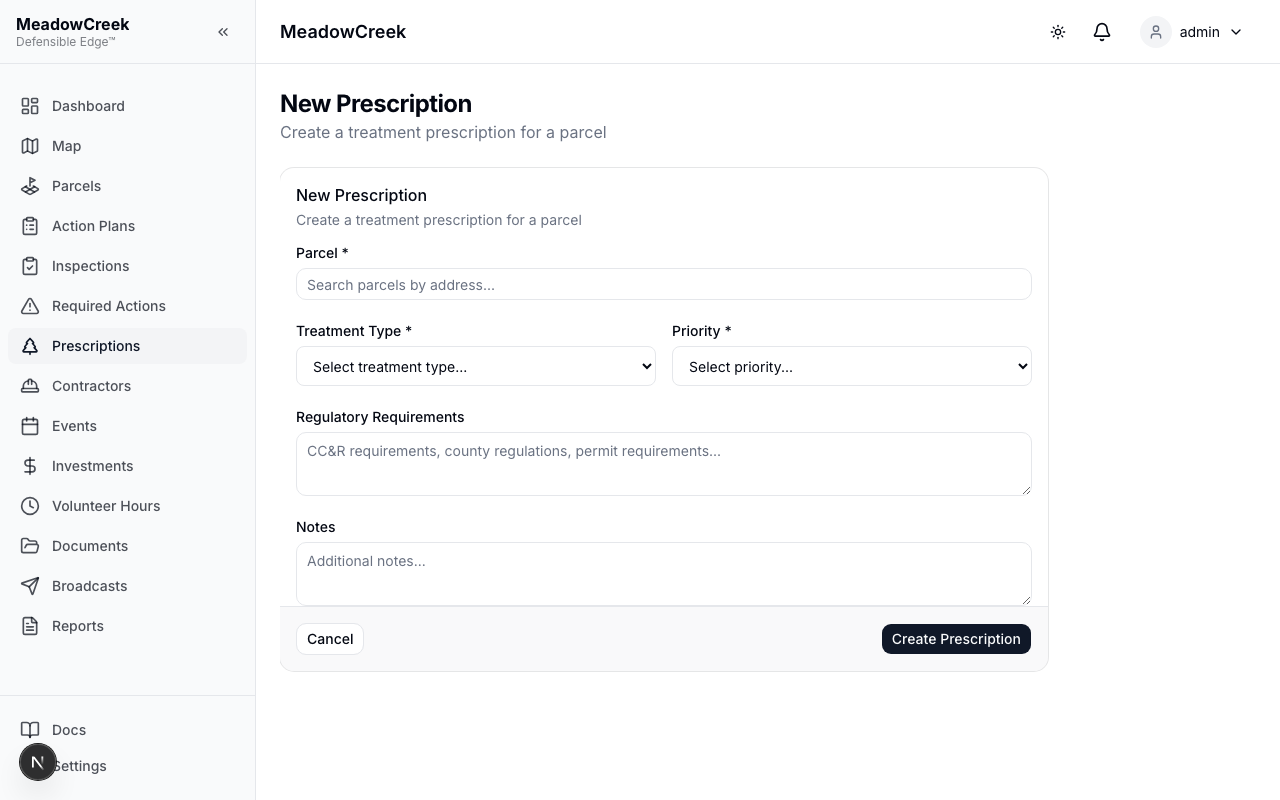
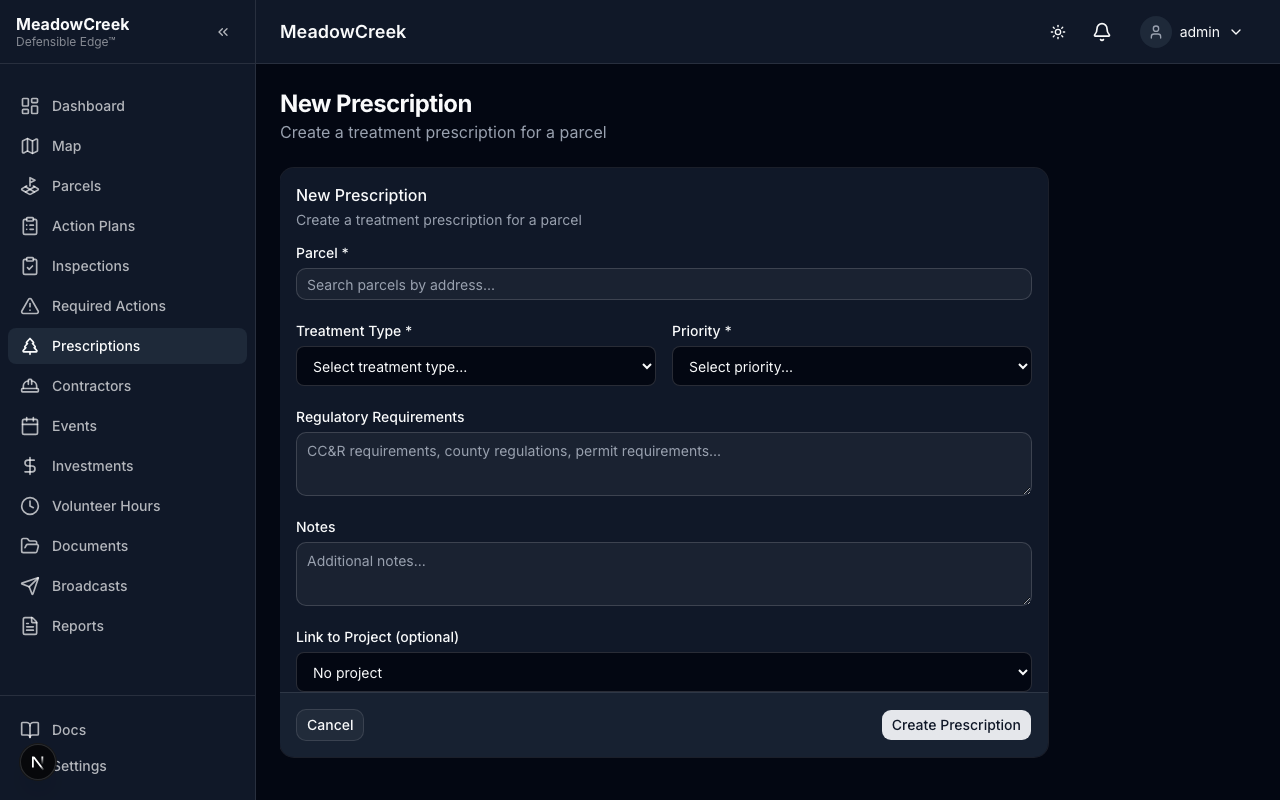
- Click New Prescription at the top of the page
- Select the treatment type from the dropdown
- Choose the target parcel for treatment
- Set the priority (Pest Infestation, Hazard Trees, or Fire Risk)
- Enter the prescriber name (the person writing the prescription)
- Add treatment specifications and notes
- Optionally select a template to pre-fill treatment details
- Click Save — the prescription is created in Draft status
Last updated on