Features
The Features page is where you opt in or out of two cornerstone modules: Track Property Owners and Track Residents. Both default to OFF for new communities; you can flip either one on at any time, and turning it back off preserves all existing data.
Plan availability: Track Property Owners requires Full Platform; the Settings page shows a lock badge for Firewise Core communities. Track Residents is available on every plan.
Navigate to Settings → Features in the sidebar.
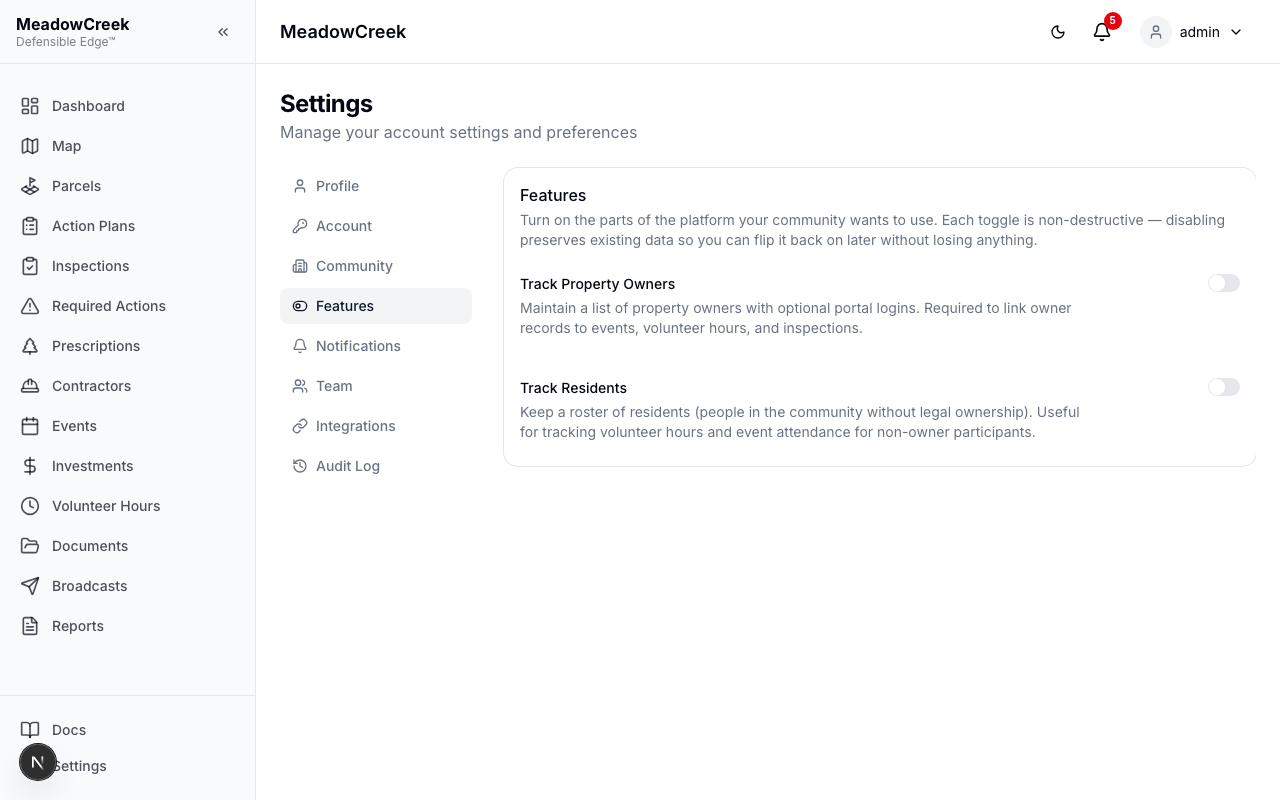
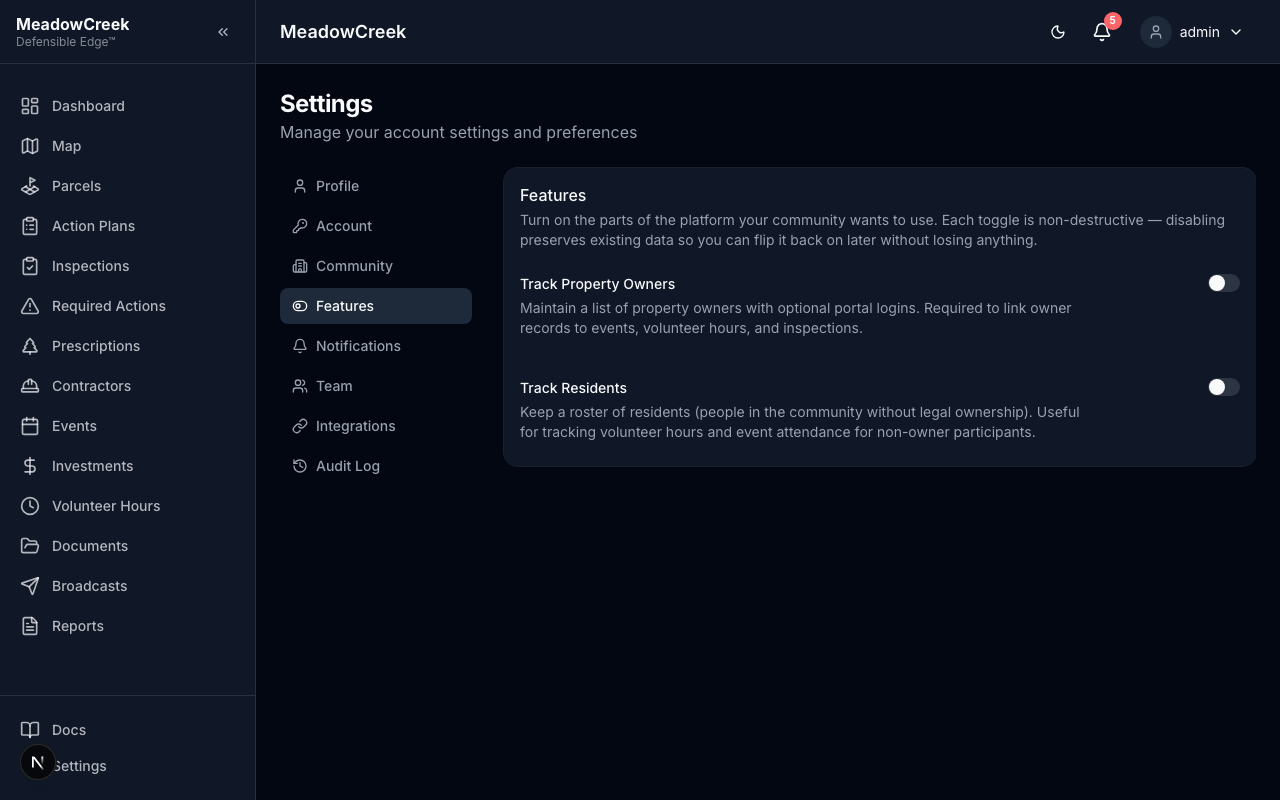
Both toggles off — the lightweight default
Brand-new and “name-only” communities run with both toggles off. The Owners and Residents nav items don’t appear in the sidebar; events and volunteer hours capture attendees by name only.
Turning Track Property Owners on
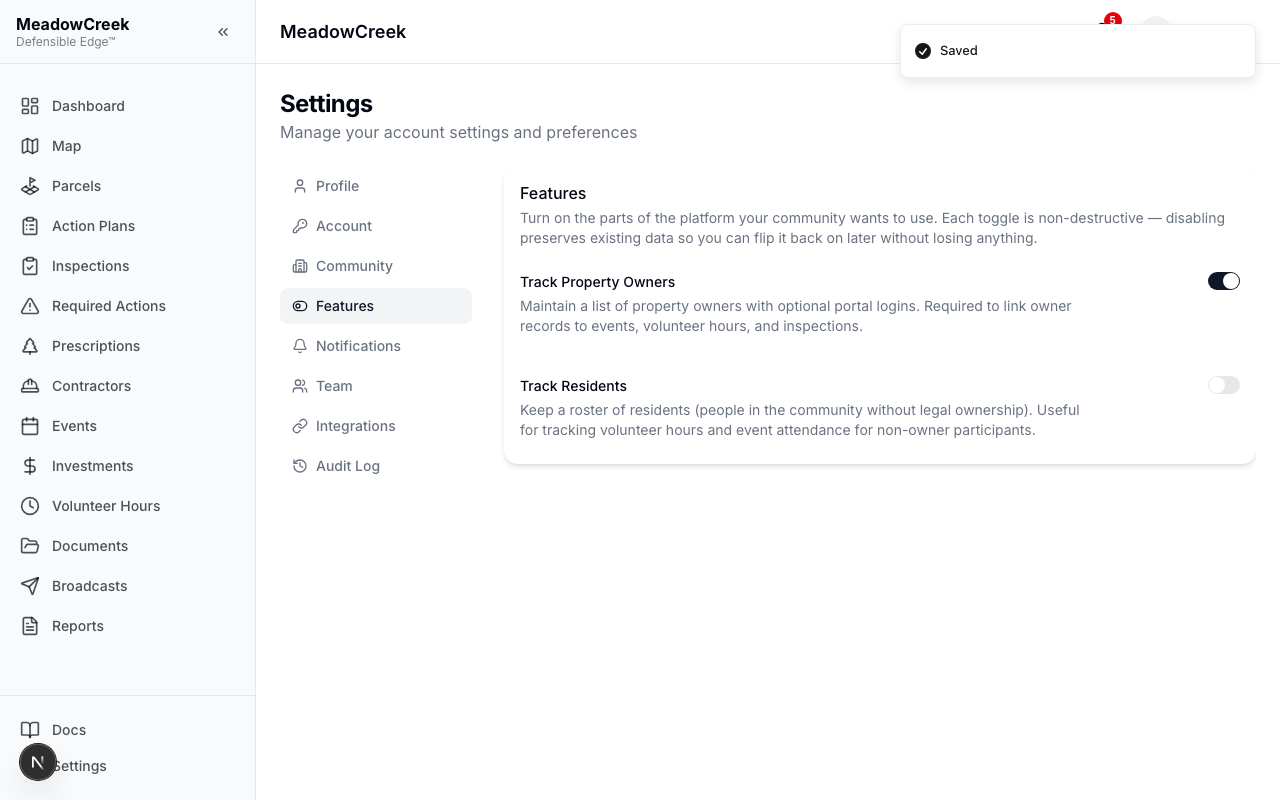
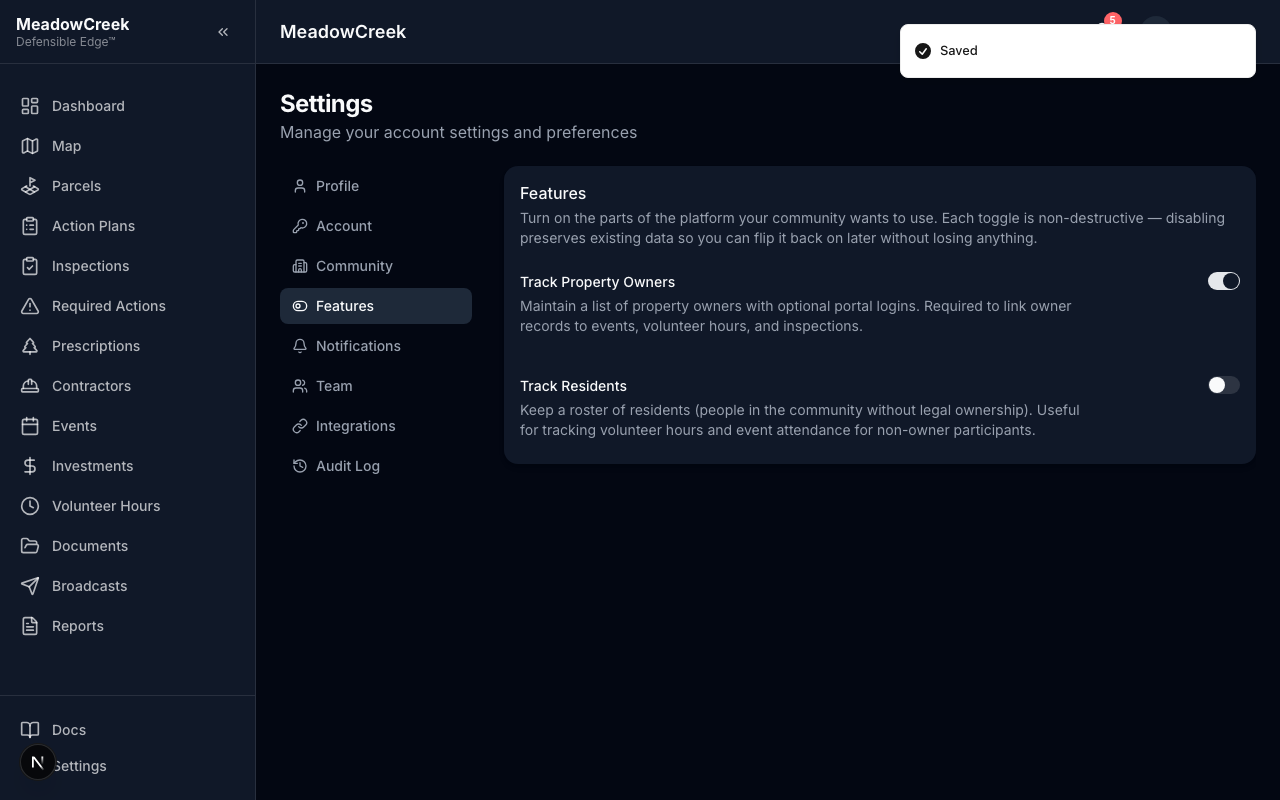
Click the toggle. The change saves immediately and a success toast appears. The Owners section is now reachable from the sidebar and event/volunteer-hour forms gain a “Link to property owner” dropdown.
Turning Track Residents on
Same flow — flip the second toggle on. The Residents pages and the “Link to resident” dropdowns become available.
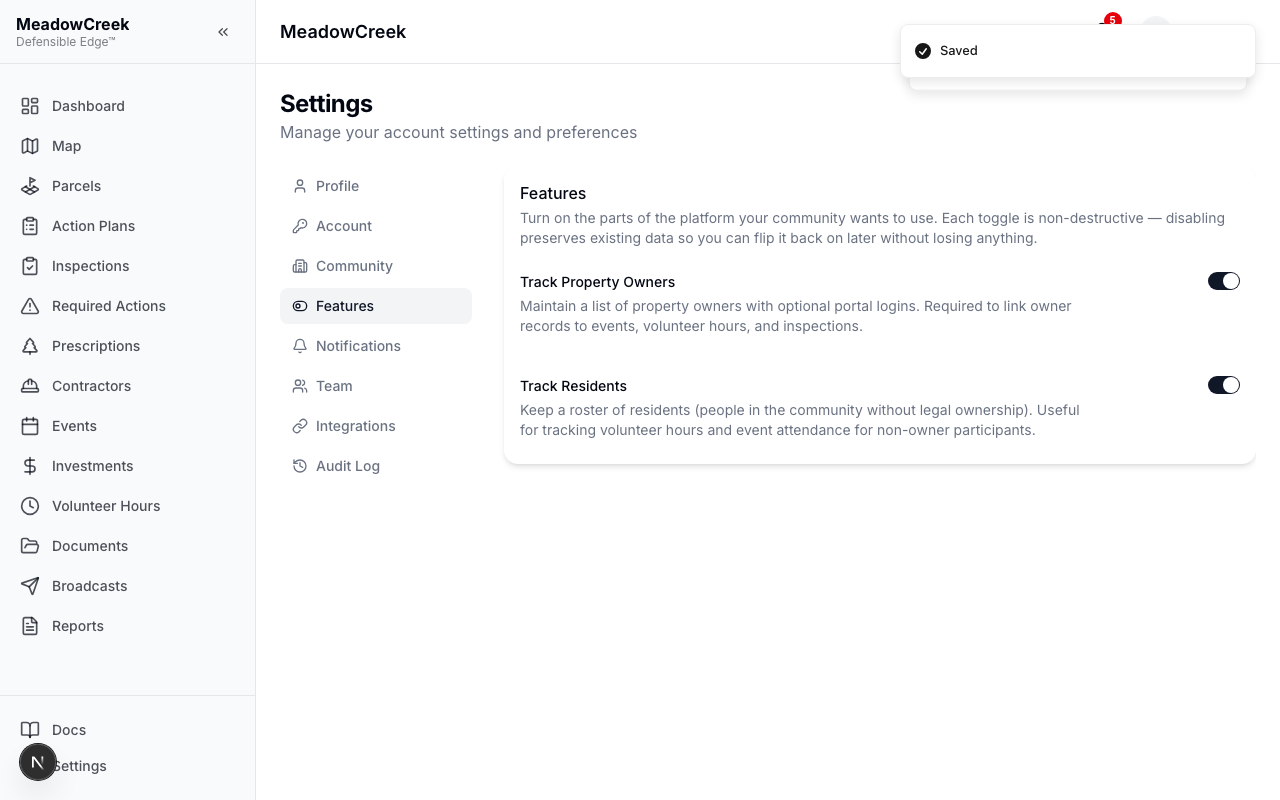
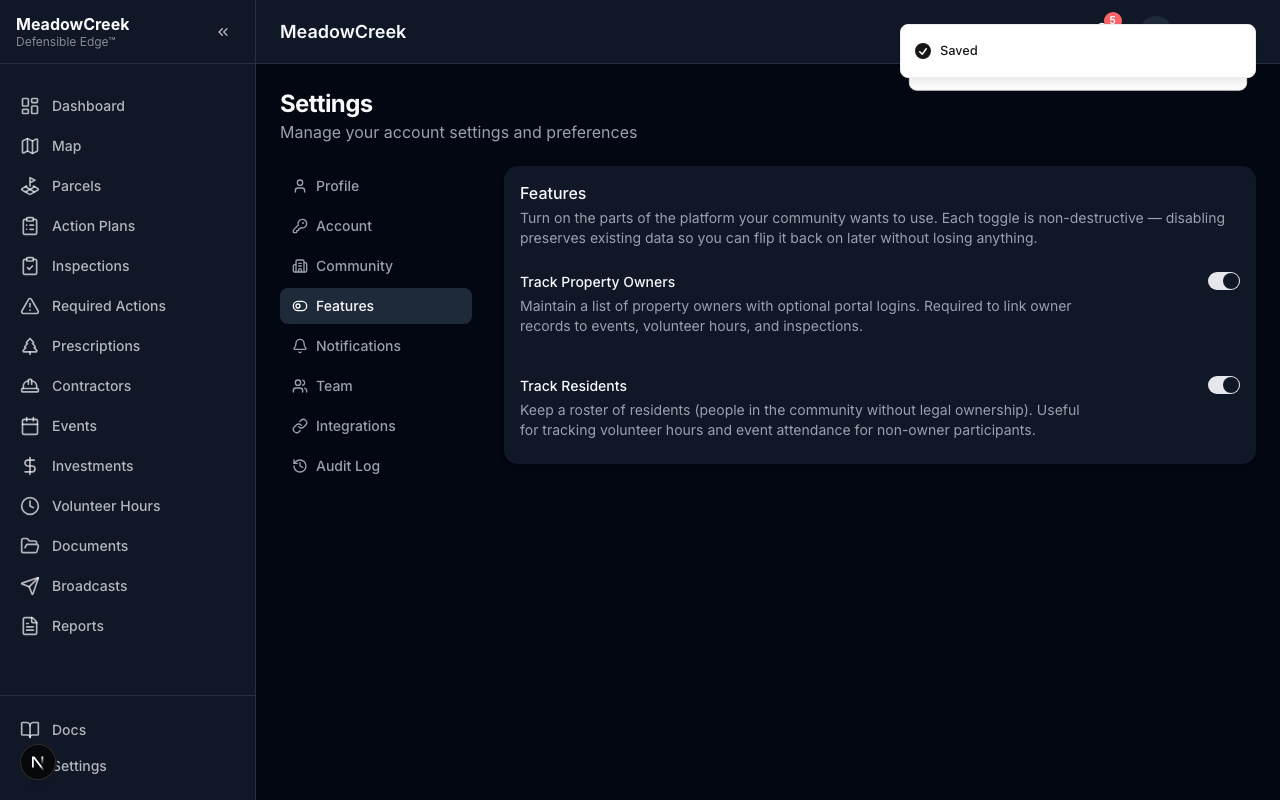
Turning a toggle off — confirmation dialog
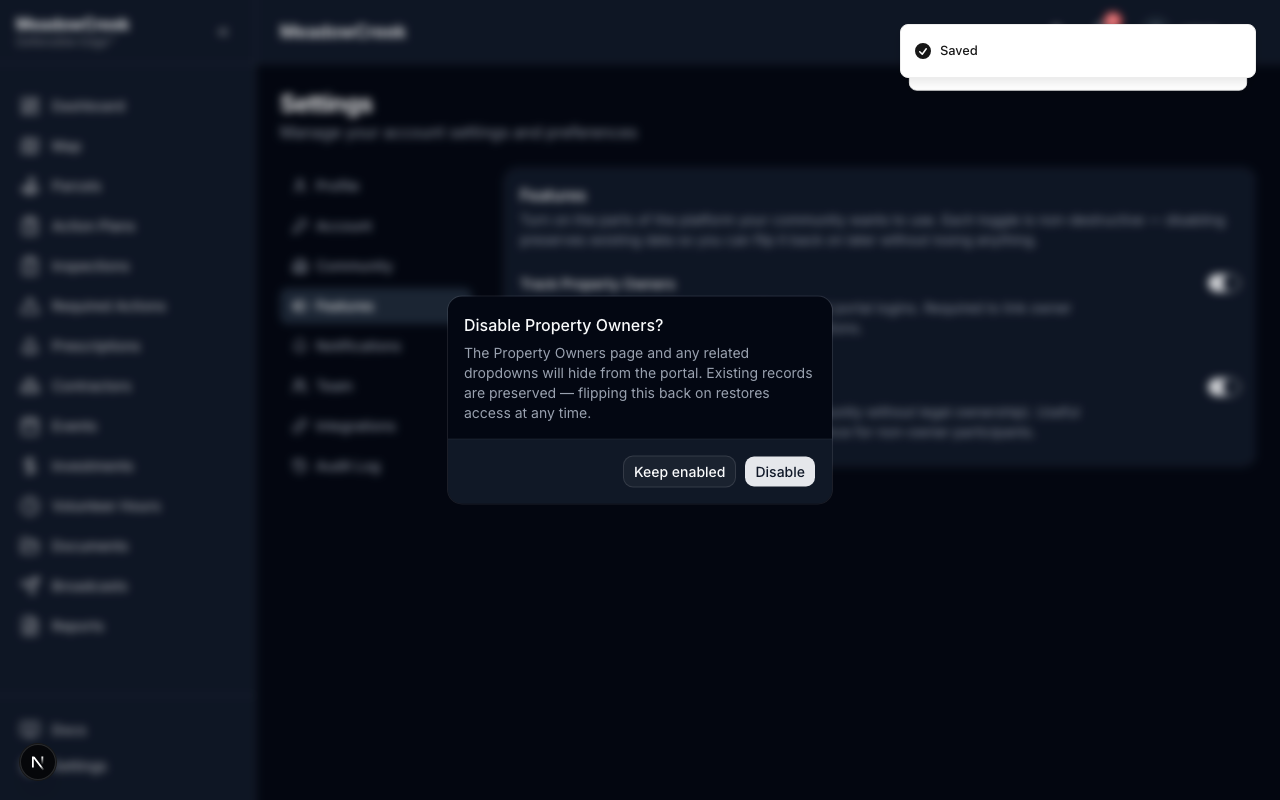
When you flip a toggle from on to off, you’ll see a confirmation dialog. Existing records are preserved — you can flip the toggle back on later without losing anything.
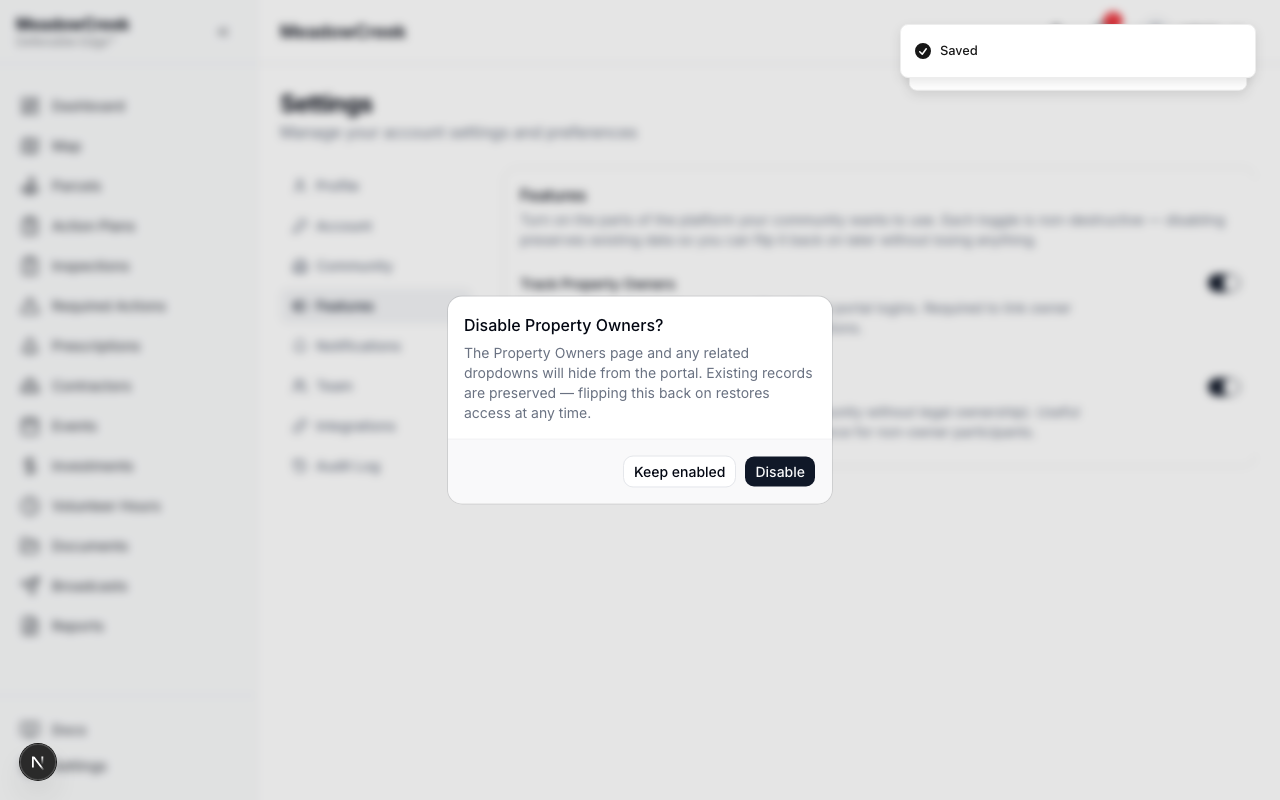
When to enable each toggle
- Track Property Owners — turn on if your community wants to maintain a roster of legal owners, link them to events / volunteer hours / inspections, and (on Full Platform) give them a portal login.
- Track Residents — turn on if you want to capture engagement from non-owner residents (renters, family members) without giving them the full owner record.
If neither matters to your community, leave both off. Sign-ins and volunteer hours work fine with name-only entries.