Volunteer Hours
Firewise USA® reaccreditation requires tracking volunteer hours contributed by community members each year. The Volunteer Hours page is your running ledger.
For owner-portal volunteer-hour submission, see the property-owner volunteer-hours guide. This page covers the admin view: review, approval, and ledger management.
Navigate to Volunteer Hours in the sidebar to access this page.
The list
Each row is one entry: who, what activity, how many hours, on what date. Pending entries can be approved or rejected by an admin or staff member.
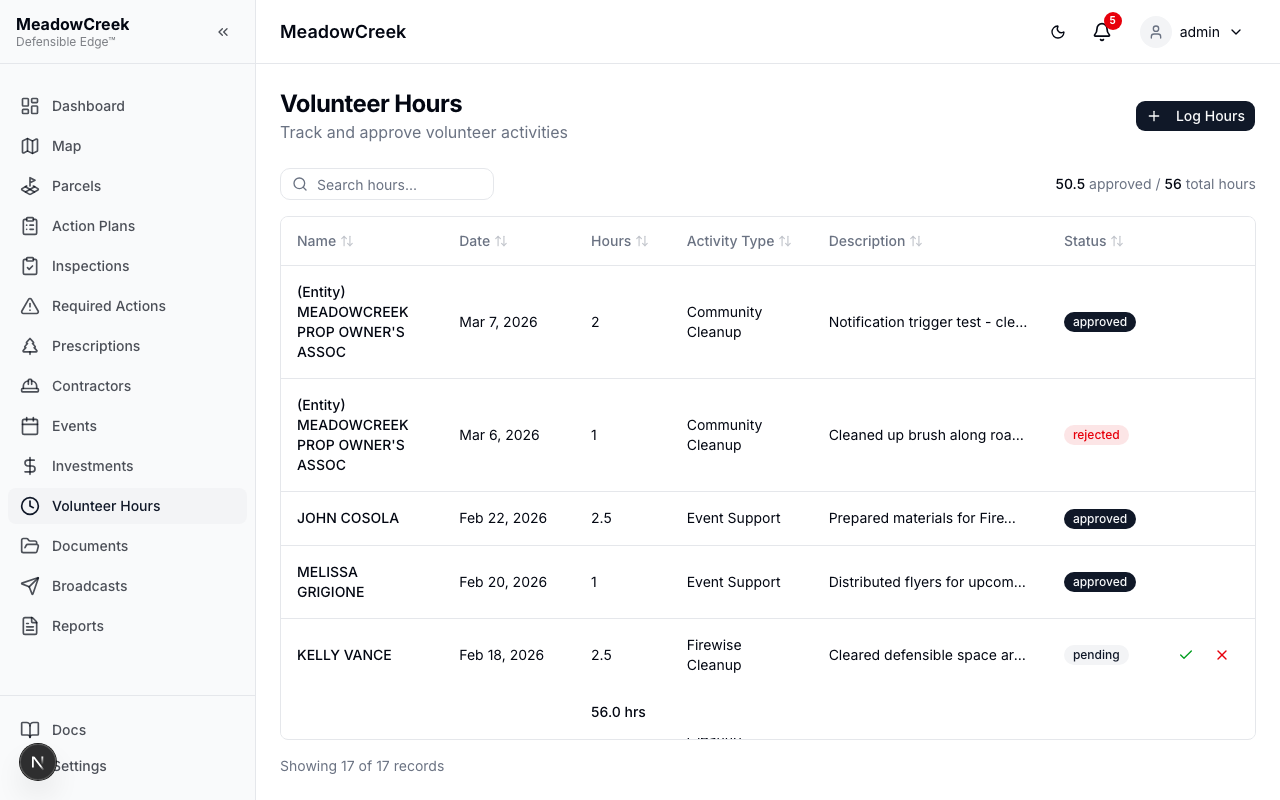
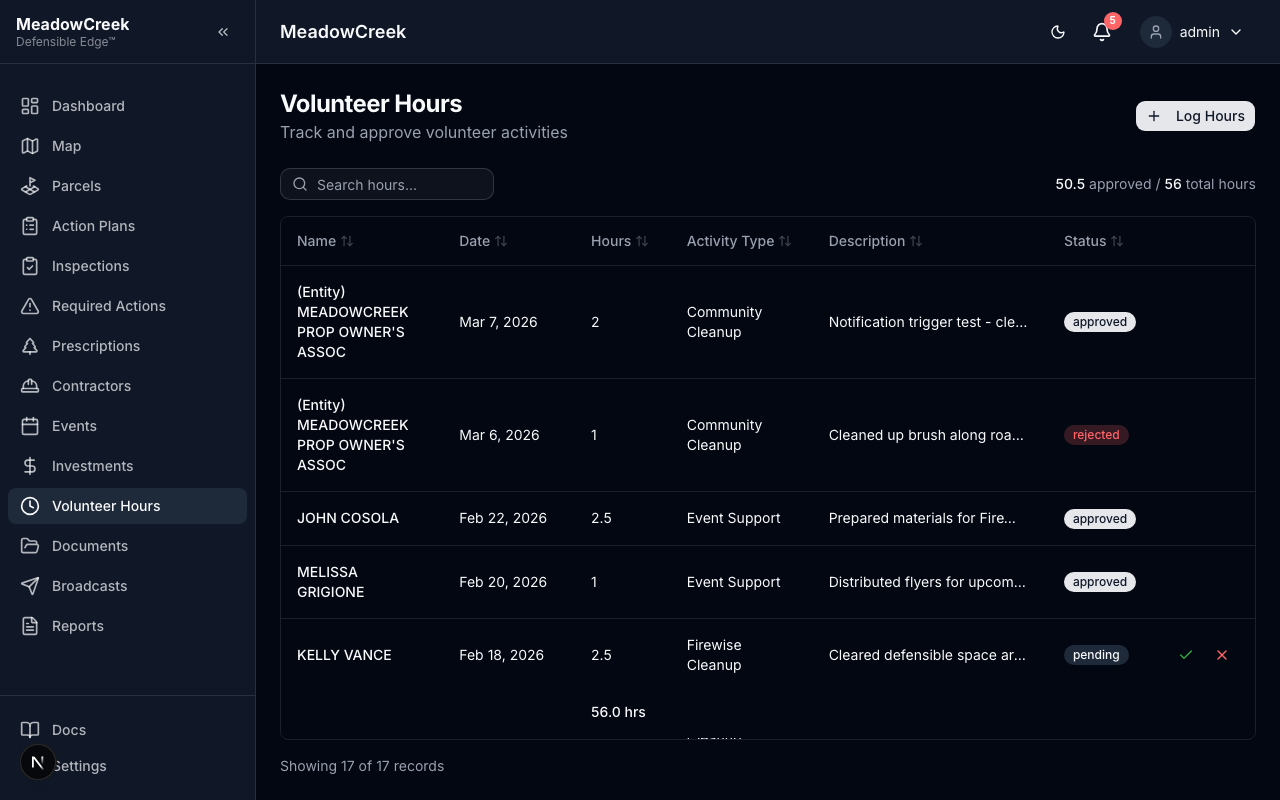
Full-page view with summary at top:
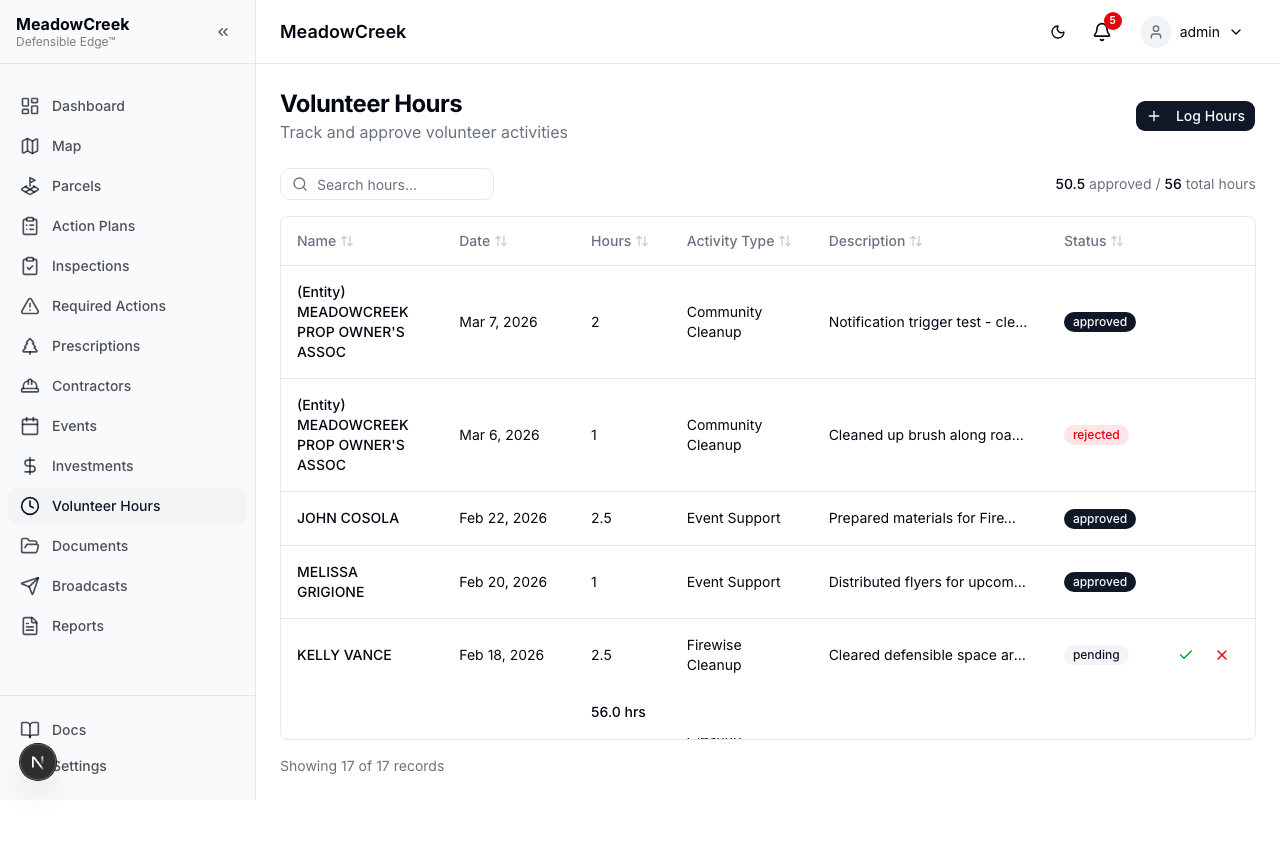
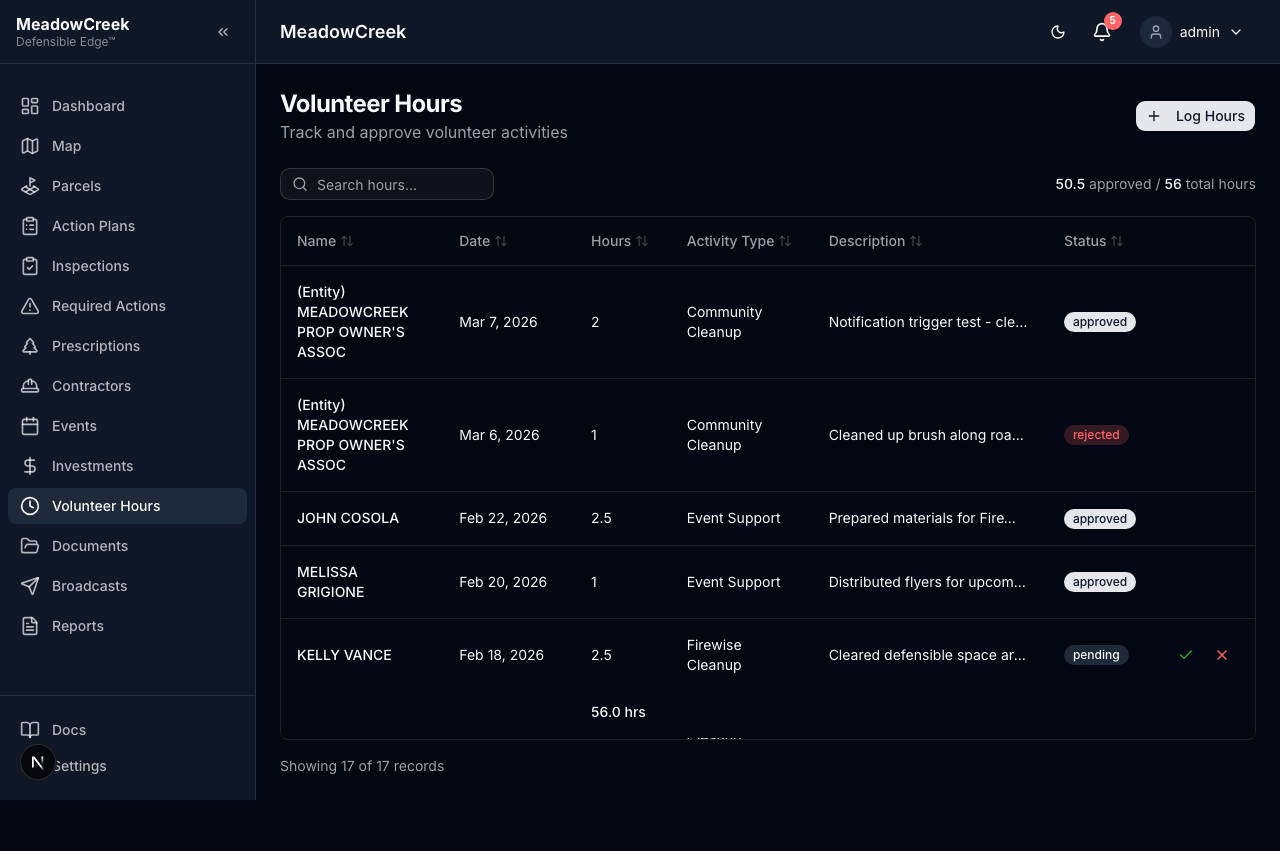
Logging hours on behalf of a member
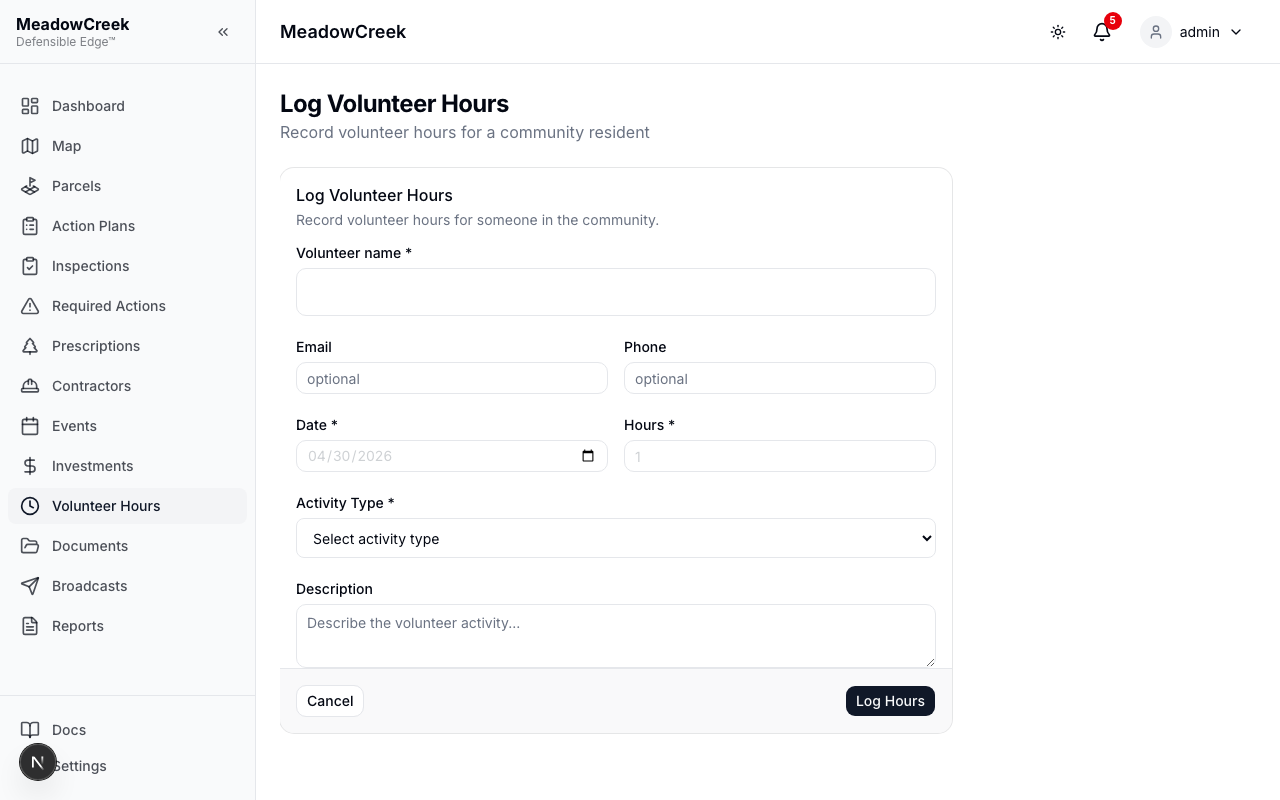
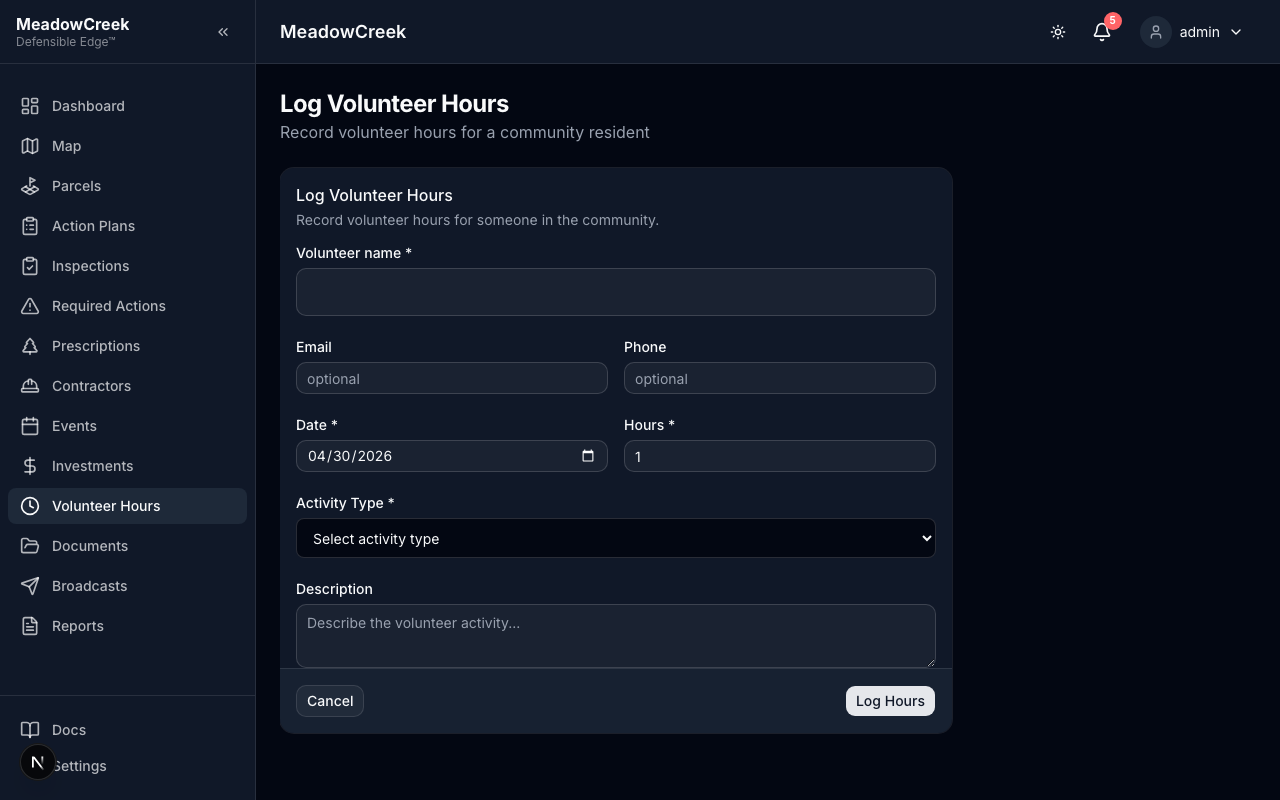
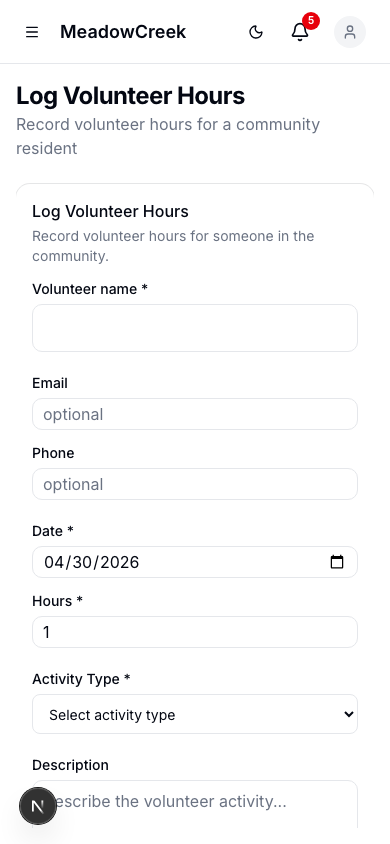
Click Log Volunteer Hours to open the form. You can log hours for yourself, another resident, a property owner, or just a name — the identity rule is the same as event sign-ins (one of name, owner, or resident).
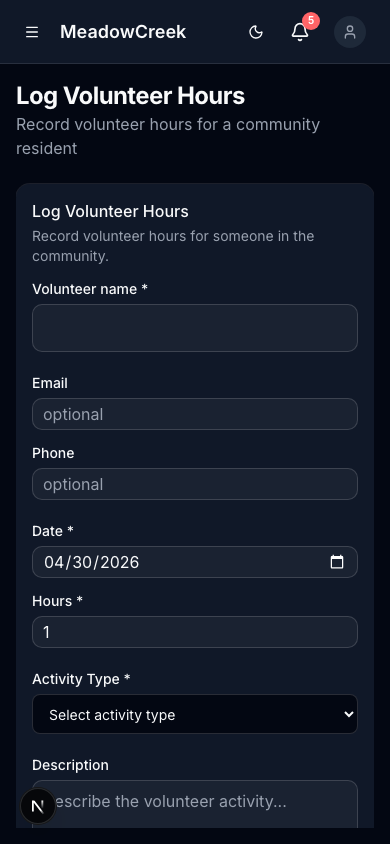
On mobile (e.g., logging hours after a workday in the field):
Approval flow
Hours submitted by residents or owners (via the owner portal, when enabled) start in Pending status. Admins and staff review and approve them — approved hours count toward the community’s annual Firewise total. The dashboard alert at the top of every page flags how many entries are awaiting approval.
| Status | Meaning |
|---|---|
| Pending | Awaiting admin/staff review |
| Approved | Verified and counts toward Firewise total |
| Rejected | Declined with a reason; submitter is notified |
Why it matters
Volunteer hours are critical for Firewise USA® recognition. Communities must achieve at least 1.0 volunteer hour per dwelling unit annually. Hours logged here roll up into the Dashboard’s Firewise Progress card and the annual reaccreditation packet.