Volunteer Hours
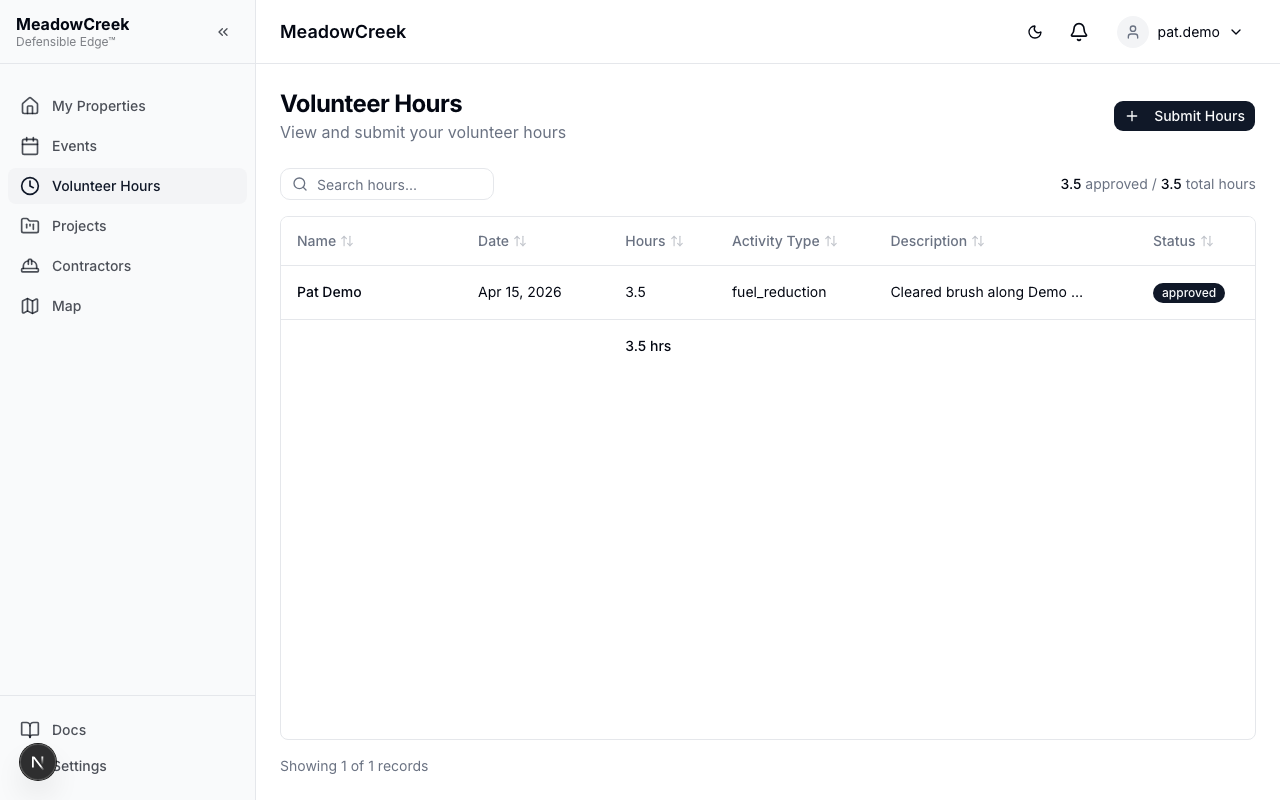
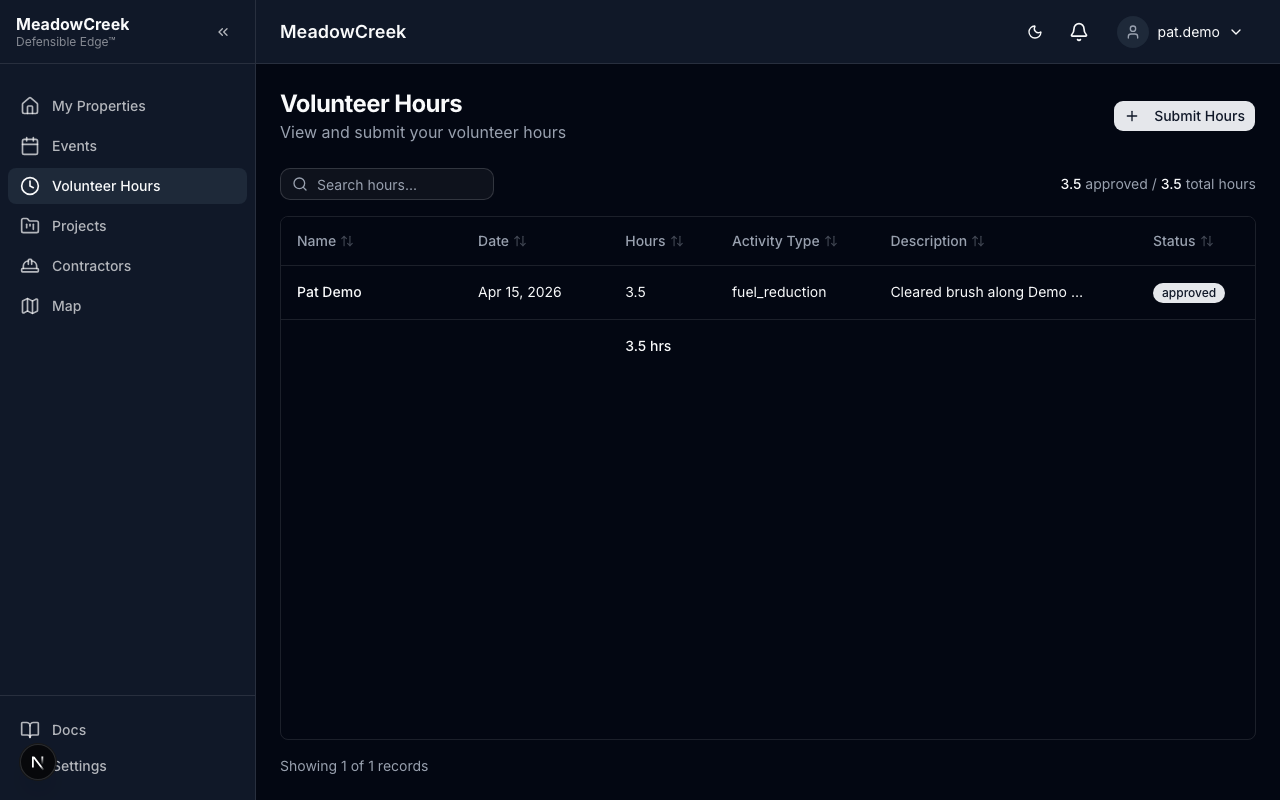
Navigate to Volunteer Hours in the sidebar to log your mitigation activities.
Submitting a new entry
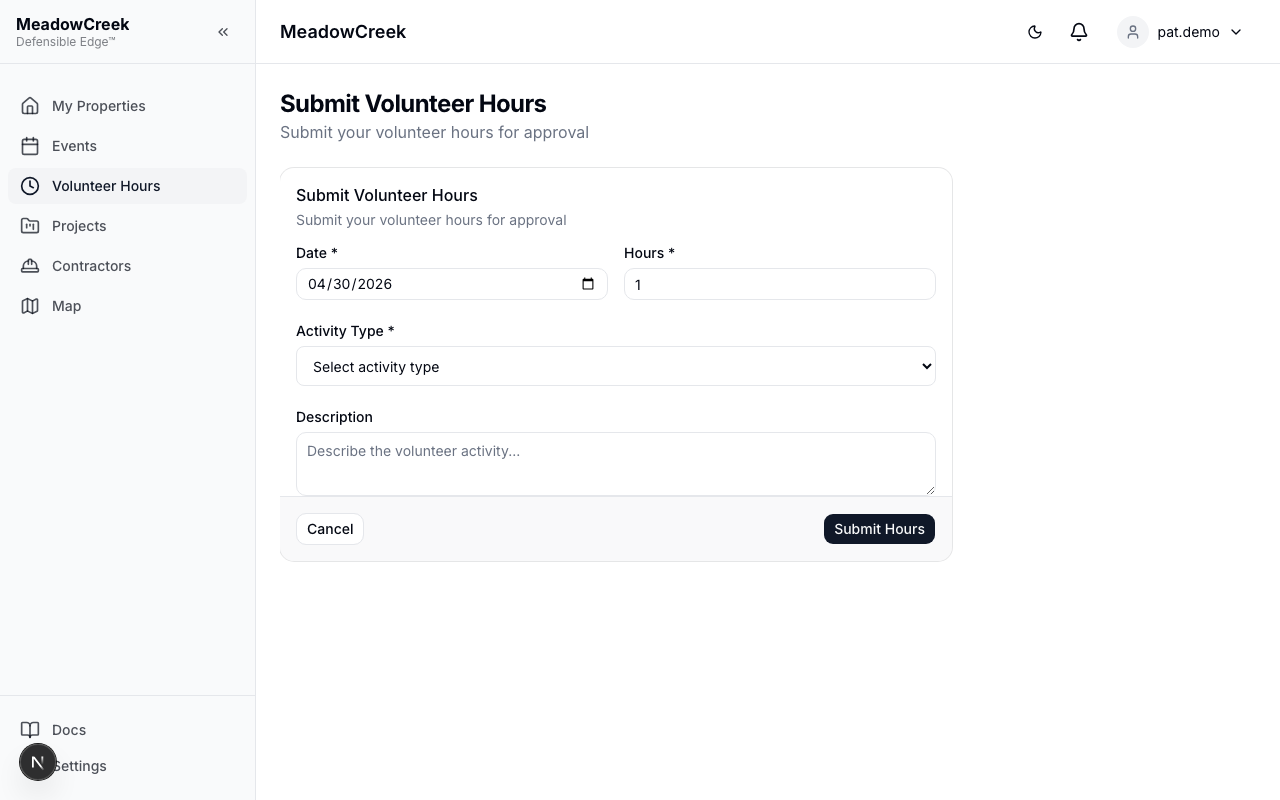
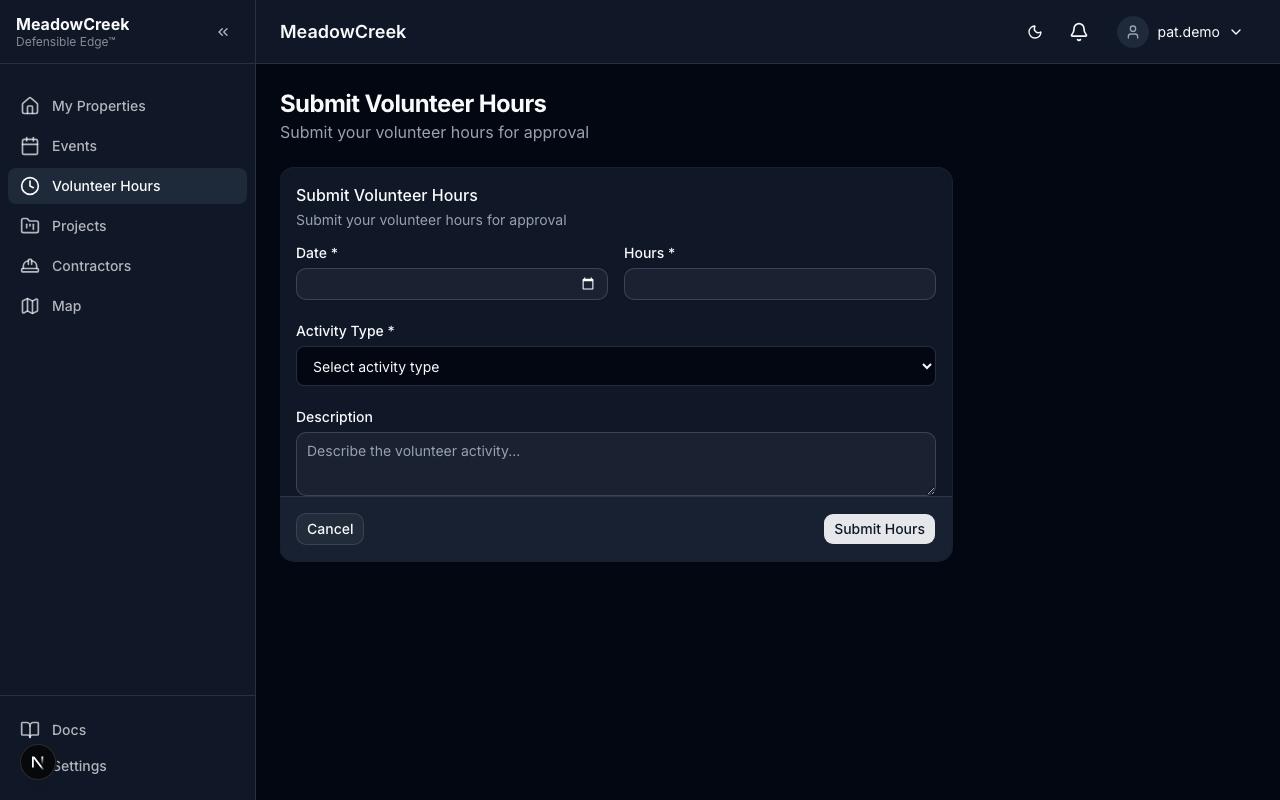
Submitting Hours
- Click Submit Hours
- Fill in your volunteer activity details:
- Activity Date — When the work was done
- Hours — Number of hours worked
- Activity Type — Category of volunteer work
- Description — Brief description of what you did
- Click Submit
Your submission enters a Pending status and must be approved by a community admin or staff member.
Submission Statuses
| Status | Meaning |
|---|---|
| Pending | Submitted and awaiting admin review |
| Approved | Admin has verified and approved your hours |
| Rejected | Admin has declined your submission (a reason will be provided) |
You’ll receive a notification when your hours are approved or rejected.
Why Volunteer Hours Matter
Volunteer hours are critical for Firewise USA® recognition. Communities must achieve at least 1.0 volunteer hour per dwelling unit annually. Your contributions directly count toward this goal and appear in the community’s Firewise reports.
Last updated on