Audit Log
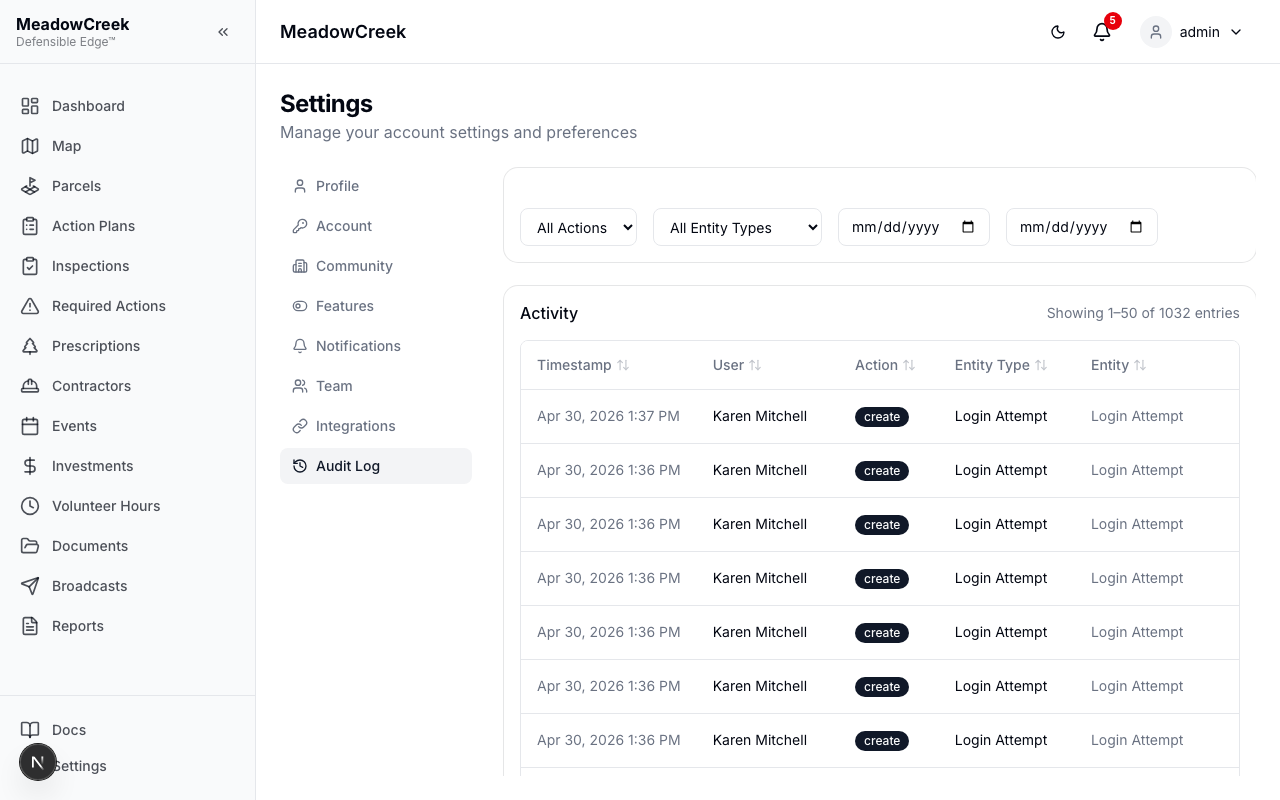
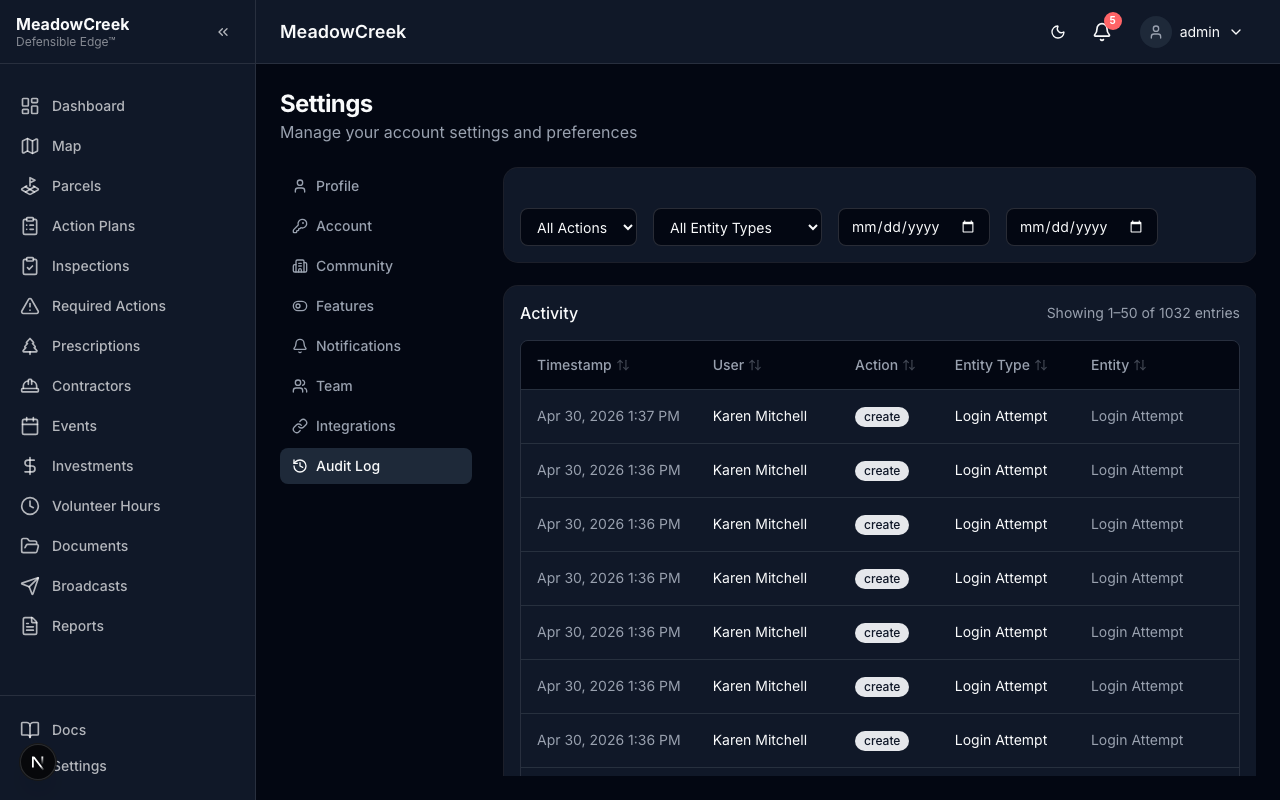
Review a log of all significant actions taken in the platform. Admin and Staff only.
The audit log records:
- User — Who performed the action
- Action — What was done (create, update, delete)
- Entity Type — What type of record was affected (inspection, parcel, action plan, etc.)
- Entity ID — The specific record
- Timestamp — When the action occurred
- Changes — Before/after values for updates
Filtering the Audit Log
Use filters to narrow the log entries:
- User — Filter by team member
- Action Type — Filter by create, update, or delete
- Entity Type — Filter by record type
- Date Range — Filter by time period
Tip: Review the audit log regularly to maintain accountability. It’s especially useful for tracking who approved inspections, changed prescription statuses, or modified community settings.
Last updated on